This page is for VS Mode, the two player mode of Lost Kingdoms II. For the version of this mode found in the original Lost Kingdoms game, see Two Player Mode.
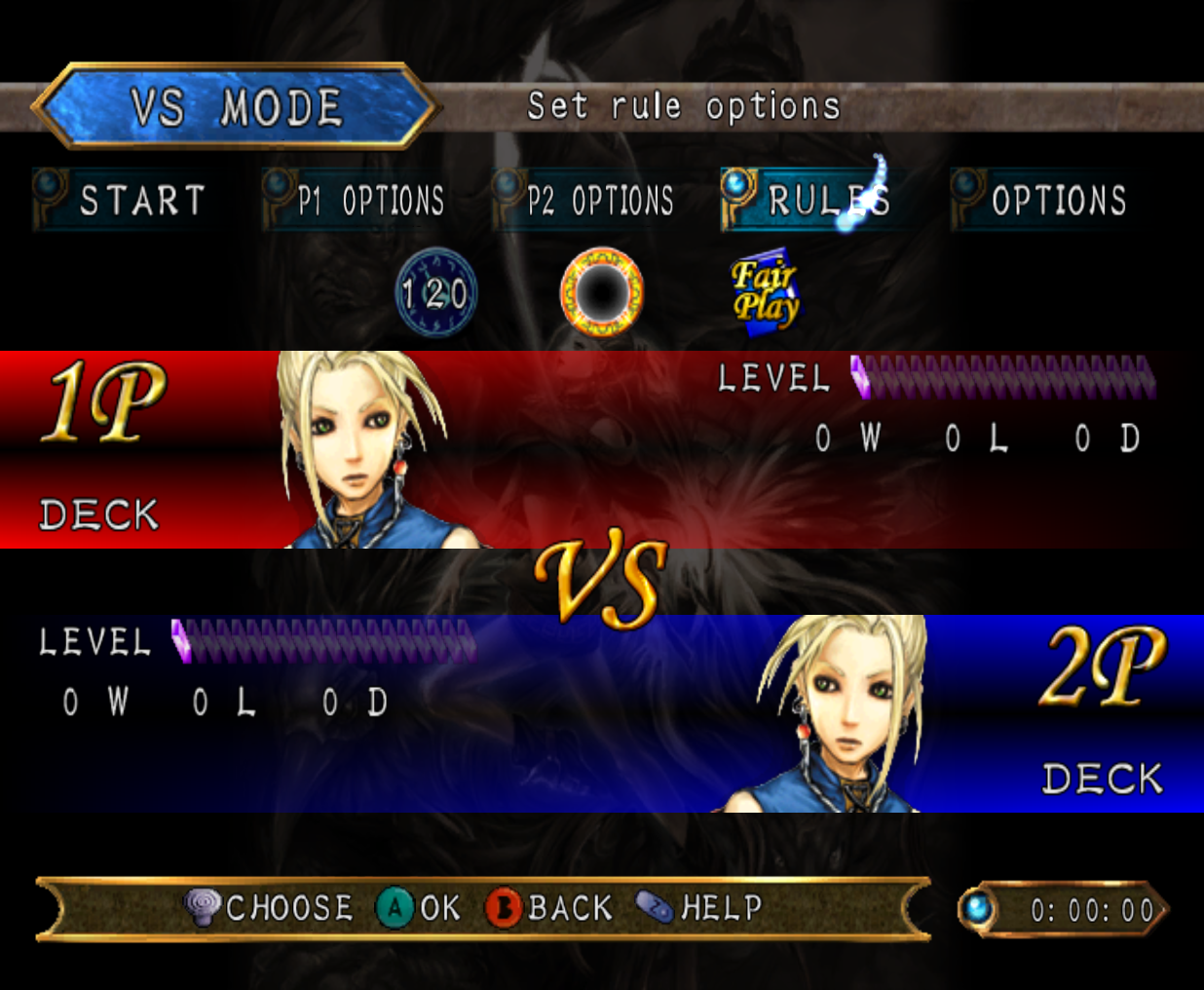 VS Mode is a gameplay mode two players can use to duel each other in Lost Kingdoms II.
Summary
?
Titles
By winning battles in VS Mode, the save files used can gain special titles. However, gaining a VS Mode title will prevent players from obtaining any titles from the single player campaign.
The titles that can be gained from VS Mode are listed below:
| Titles!!Amount of wins needed |
|---|
| |? Wins |
| |? Wins |
Start
Selecting the Start button will bring the players to the Stage Select screen before starting a battle.
Stages
There are five stages in VS Mode. They are based on Sacred Battle Arena, the Temple of Sharacia, the Krasheen Mountains, Sarvan, and Ruldo Forest. Despite being based on these stages, the music played in them is usually different from the themes used in the levels they are based on.
The controls are reversed when choosing stages, so moving the control stick left or right or pressing the thumbpad in either of those directions will make it highlight the stage in the opposite direction.
Sacred Battle Arena
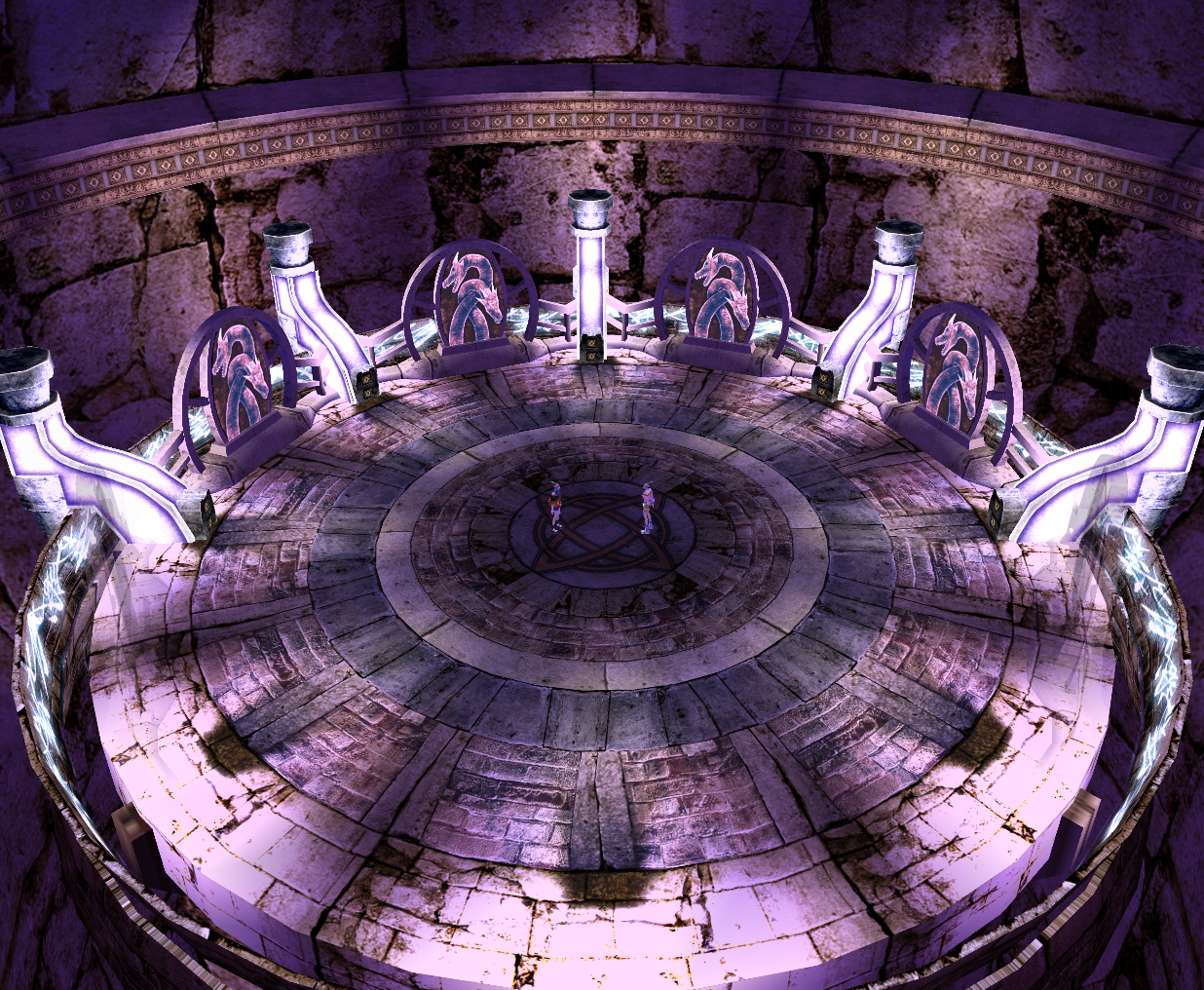
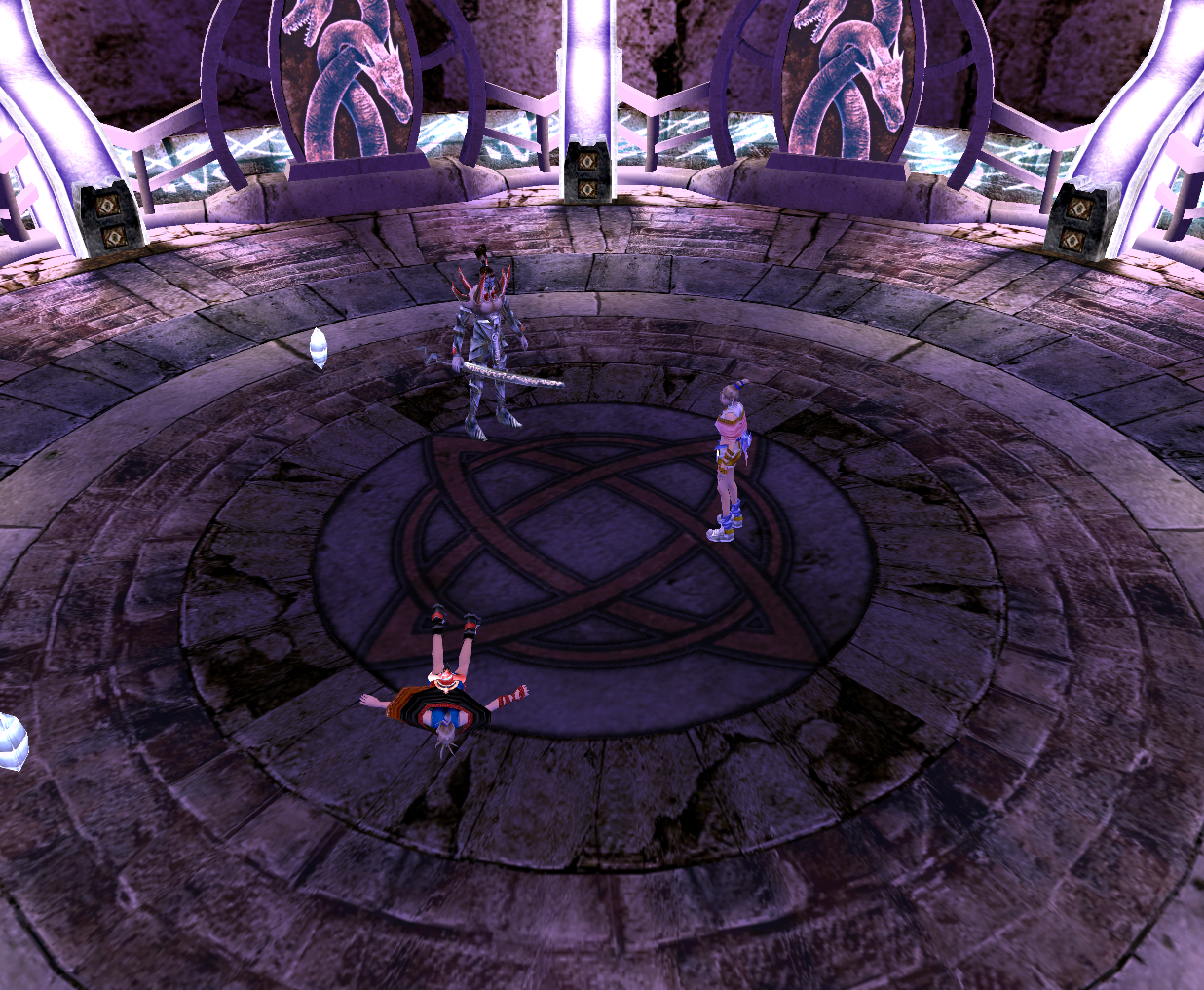
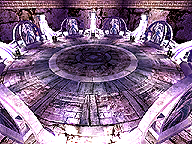 VS Mode Sacred Battle Arena takes place in a magical arena surrounded by a spinning ring with bluish white glowing markings. The entire stage is circular, has a purplish hue, and is brightly lit. The railguards around the stage depicts serpents with heads resembling the ones belonging to Red Dragons. VS Mode Sacred Battle Arena is small and has no obstacles or breakable objects, so the only thing that can be done in this stage is battle.
When capturing is allowed, there is a chance that a Demon Swordsman will appear.
The music used for VS Mode Sacred Battle Arena is the boss battle theme.
Krasheen Mountains
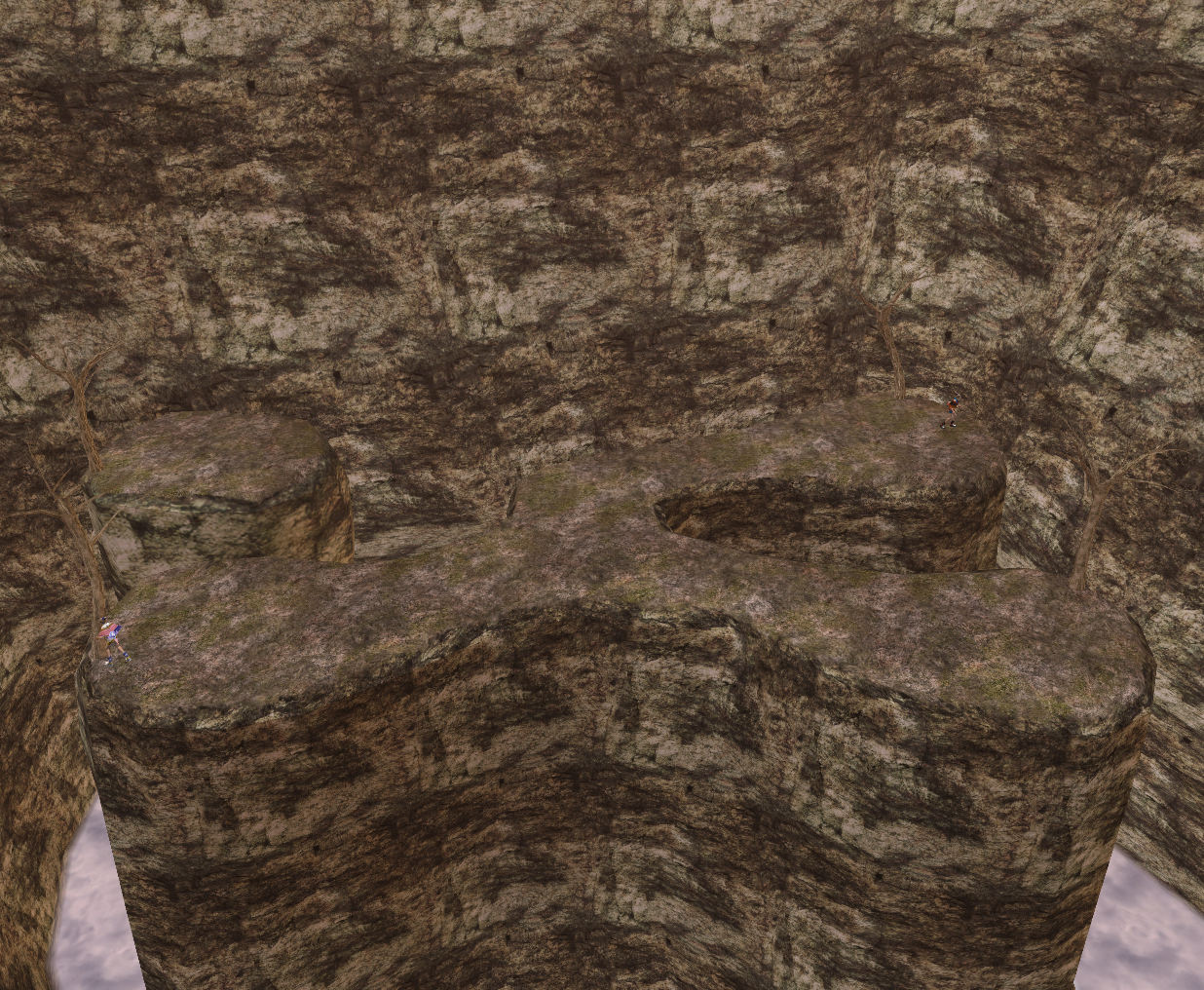
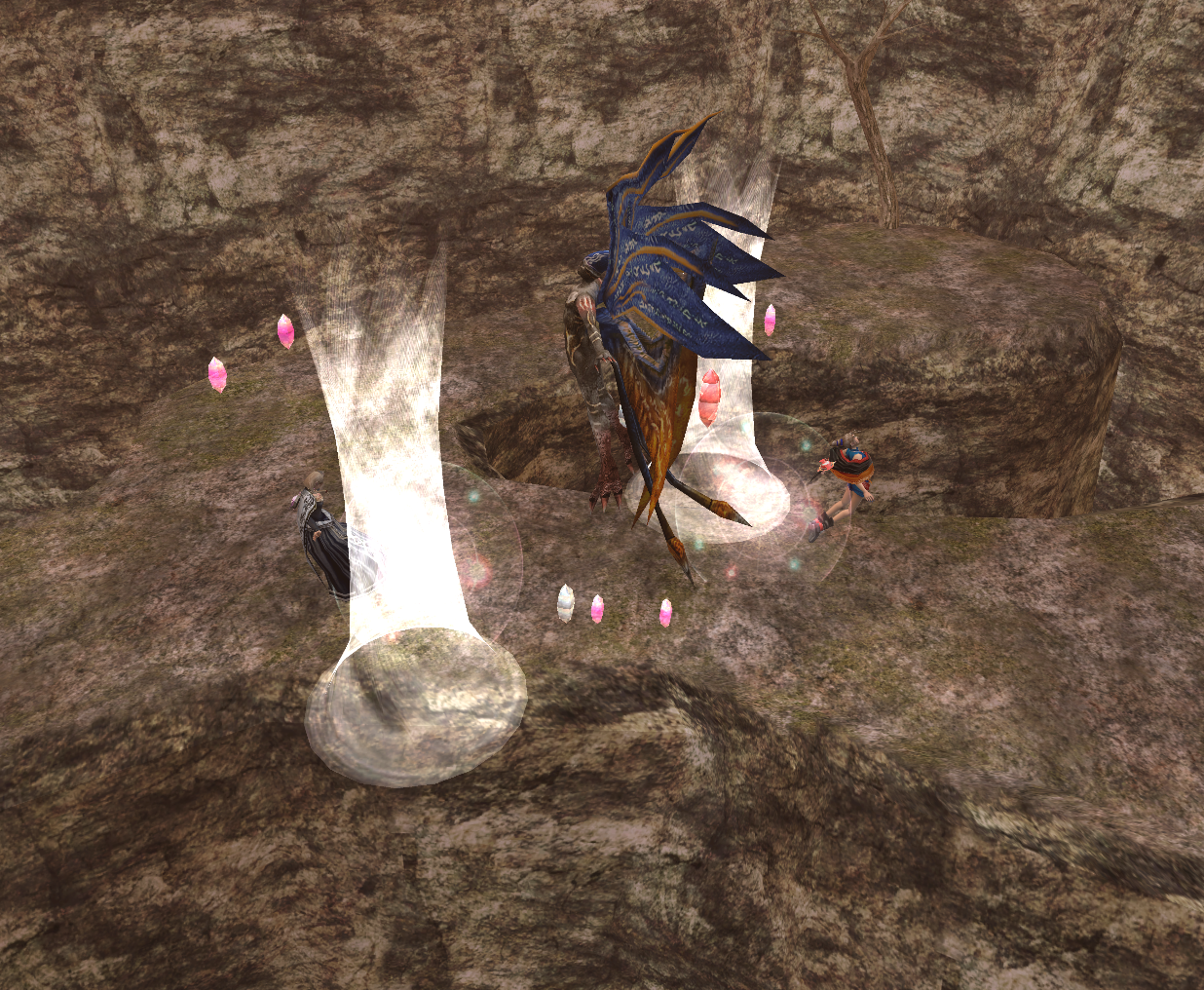
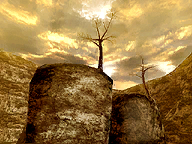 VS Mode Krasheen Mountains takes place on two raised sections of land with small dead trees on them that are above a cloud-filled chasm in the mountains. The main piece of land is vaguely "y" shaped, while the smaller one is shaped like a tiny circle. The small amount of solid ground and the chasm surrounding it can make it difficult to use Independent and Helper type cards.
When capturing is allowed, there is a chance that a Pazuzu will appear.
The music used for VS Mode Krasheen Mountains is the theme of the Sacred Battle Arena stages.
Temple of Sharacia
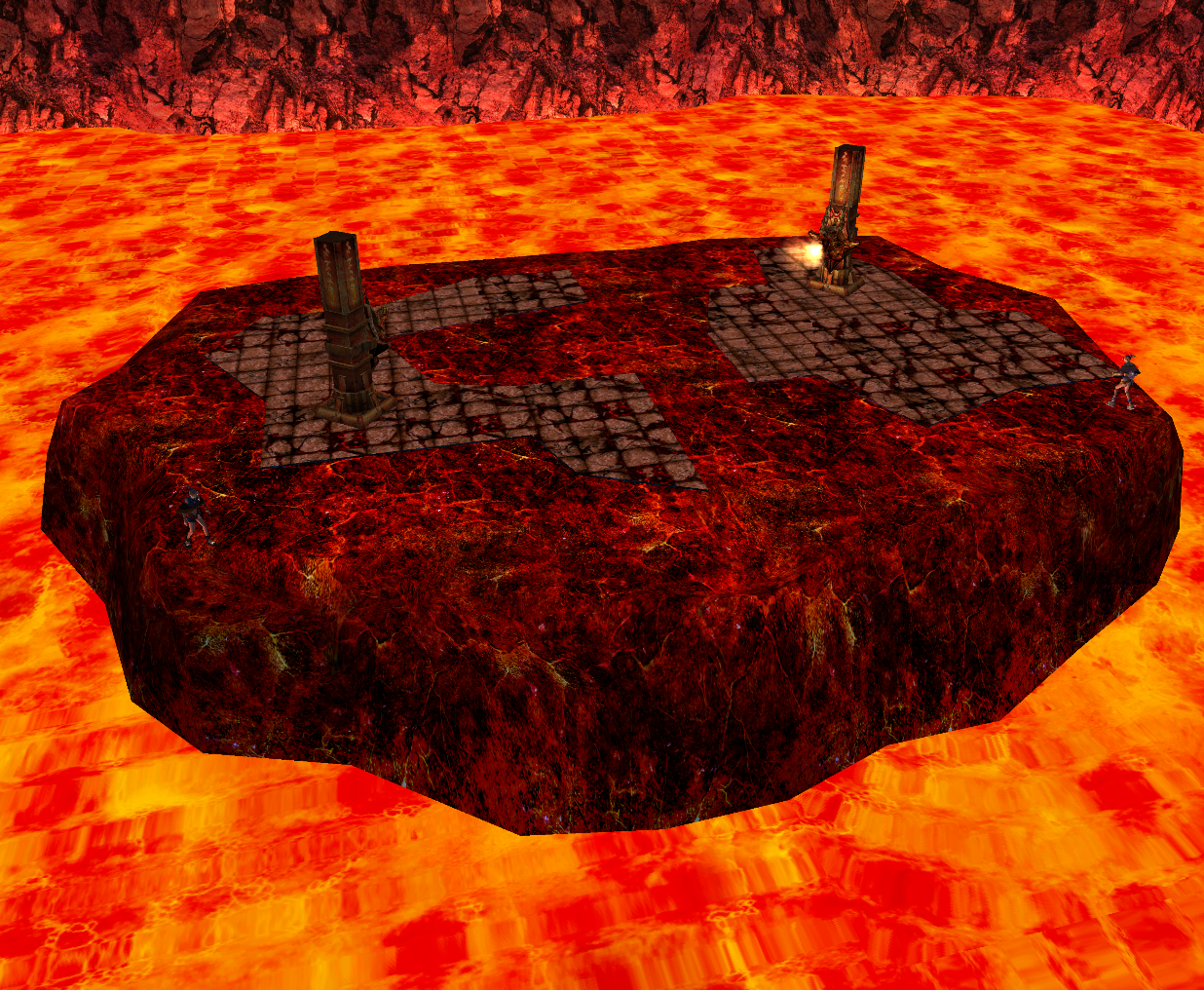
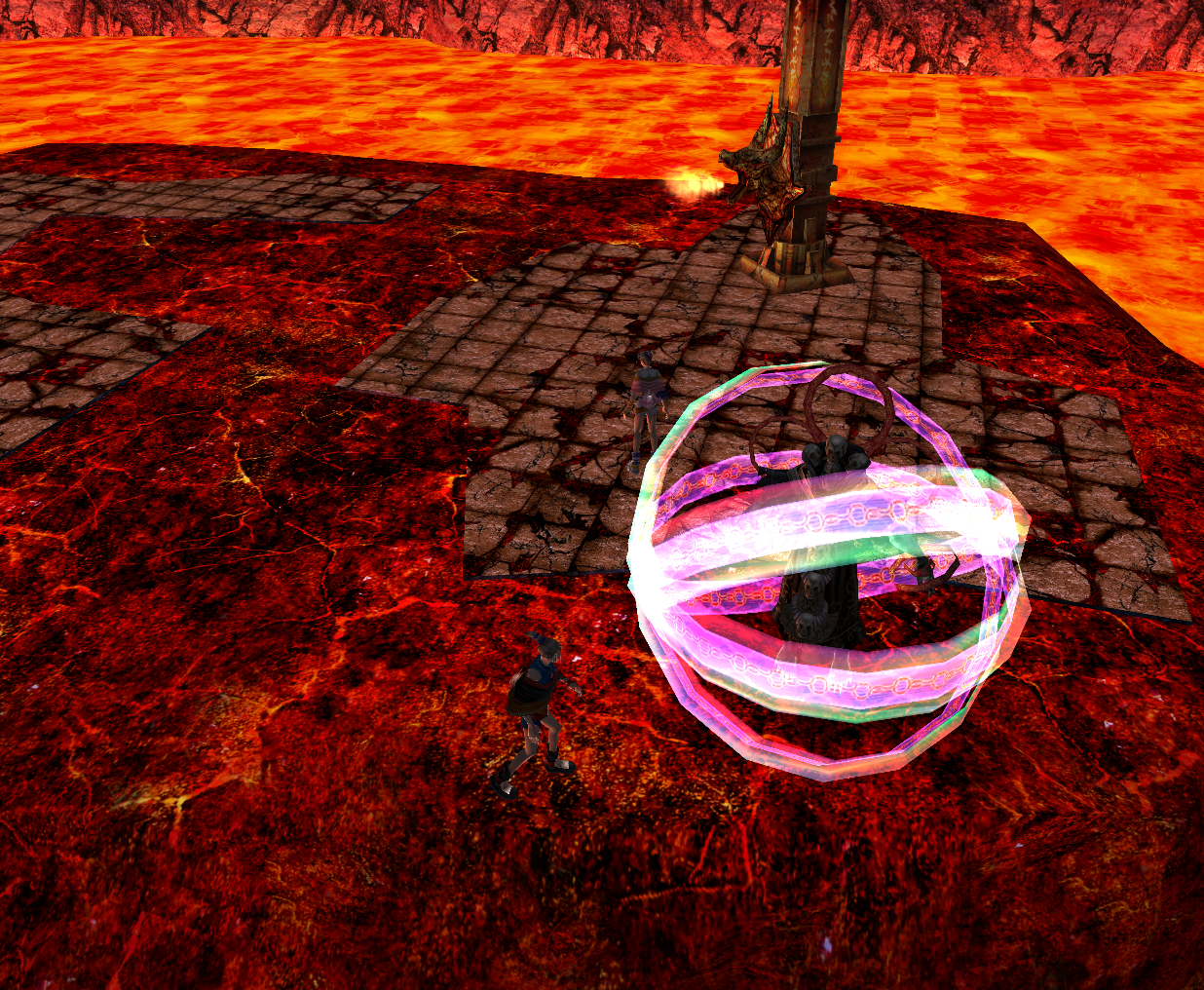
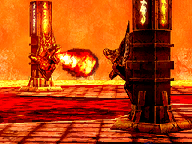 VS Mode Temple of Sharacia takes place on an island with two flame spewing pillars that is in the middle of a pool of magma. All that walk into the flames emitted from the pillars will take damage.
When capturing is allowed, there is a chance that a Necromancer will appear.
The music used for VS Mode Temple of Sharacia is the theme of the Proving Grounds.
Sarvan
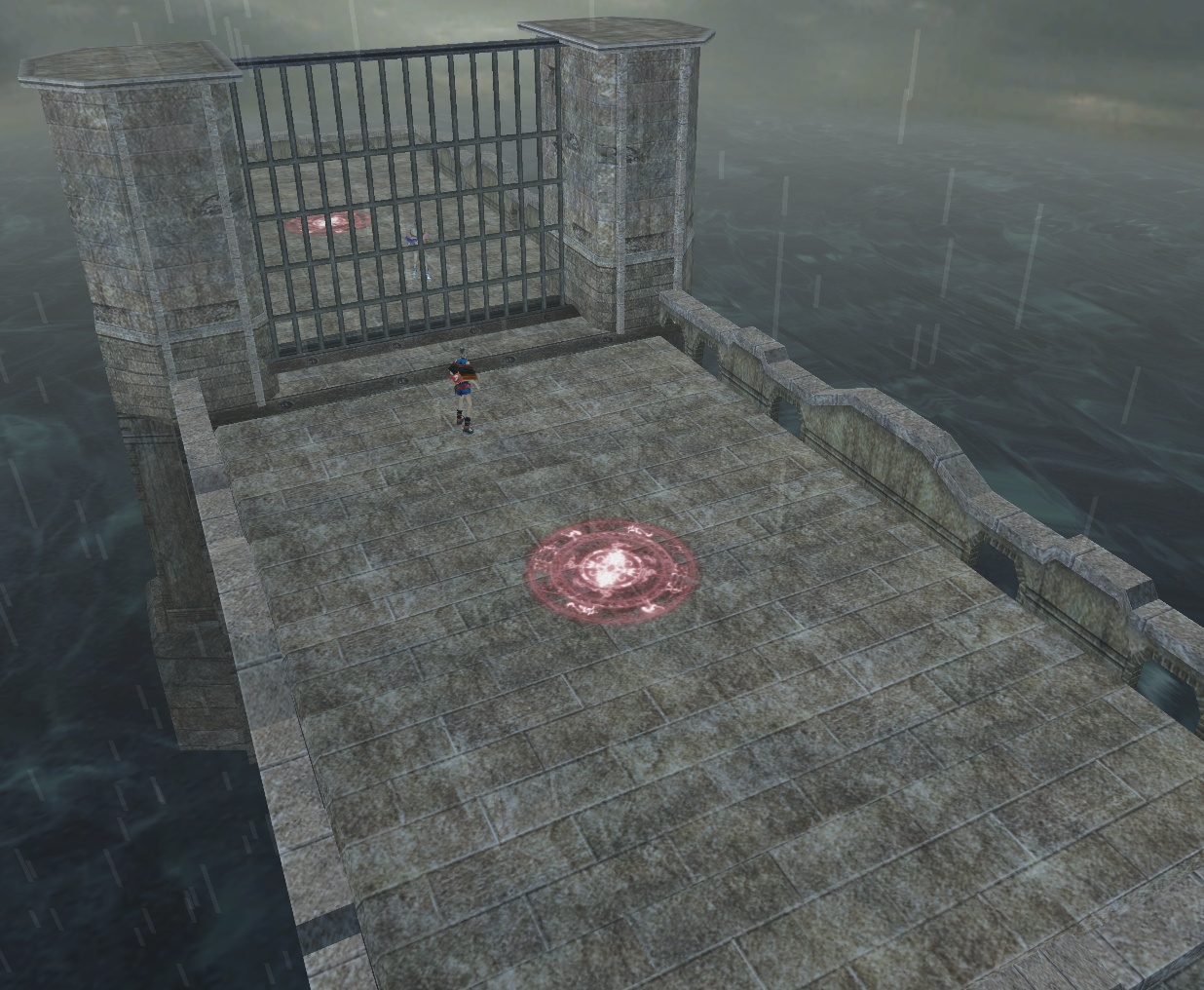
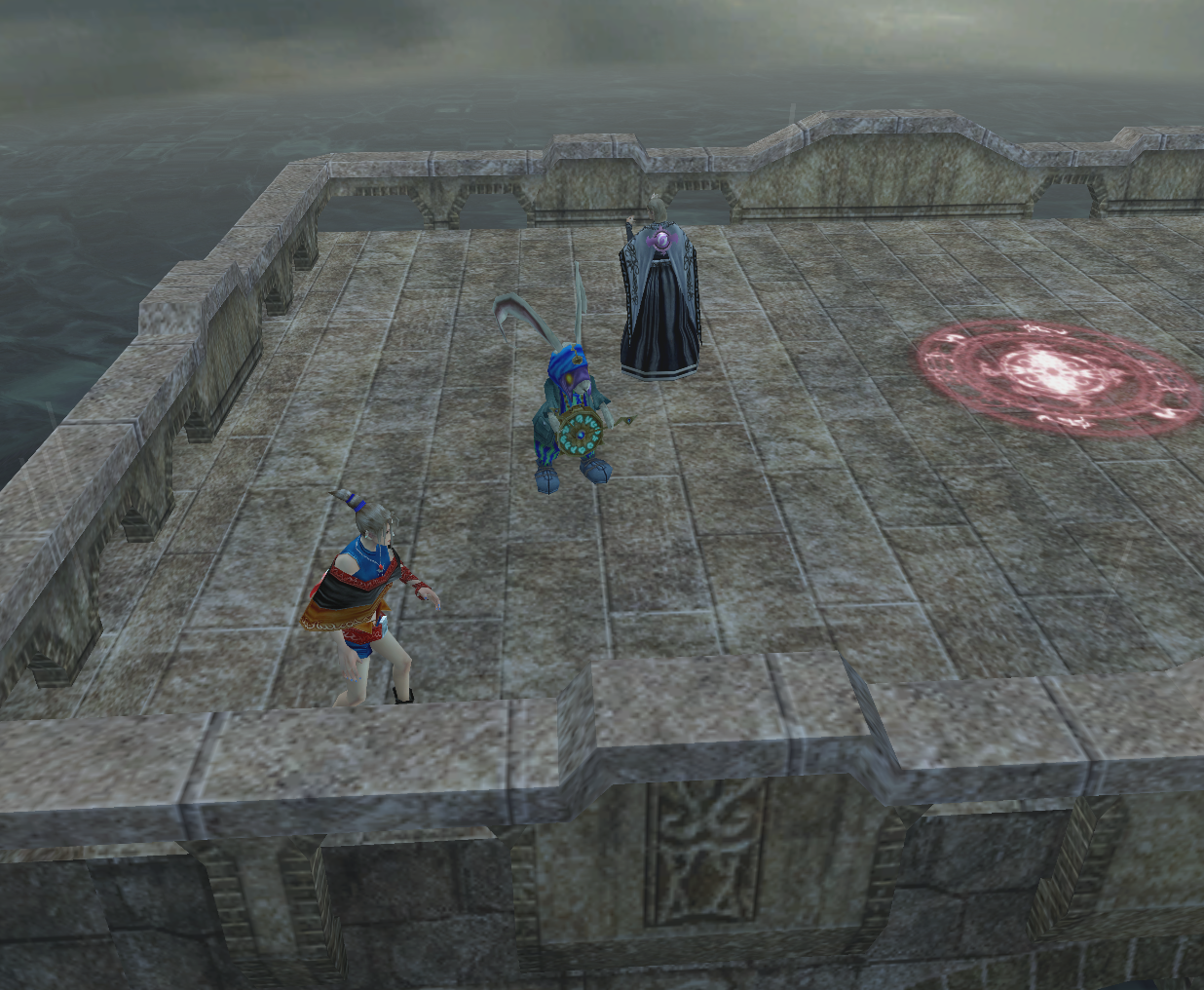
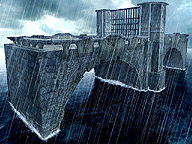 VS Mode Sarvan takes place on a small platform in a body of water during rainy weather. When starting a battle, a gate in the middle of the stage separates both players, but there is a magic circle on each side that can open it. Using a slow moving or stationary card on either of the 2 magic circles, or getting one player to stand on a magic circle and wait for the other player to approach will allow both players to battle each other.
When capturing is allowed, there is a chance that a March Hare will appear.
The music used for VS Mode Sarvan is the music from Holzogh Town and Alanjeh Castle.
Ruldo Forest
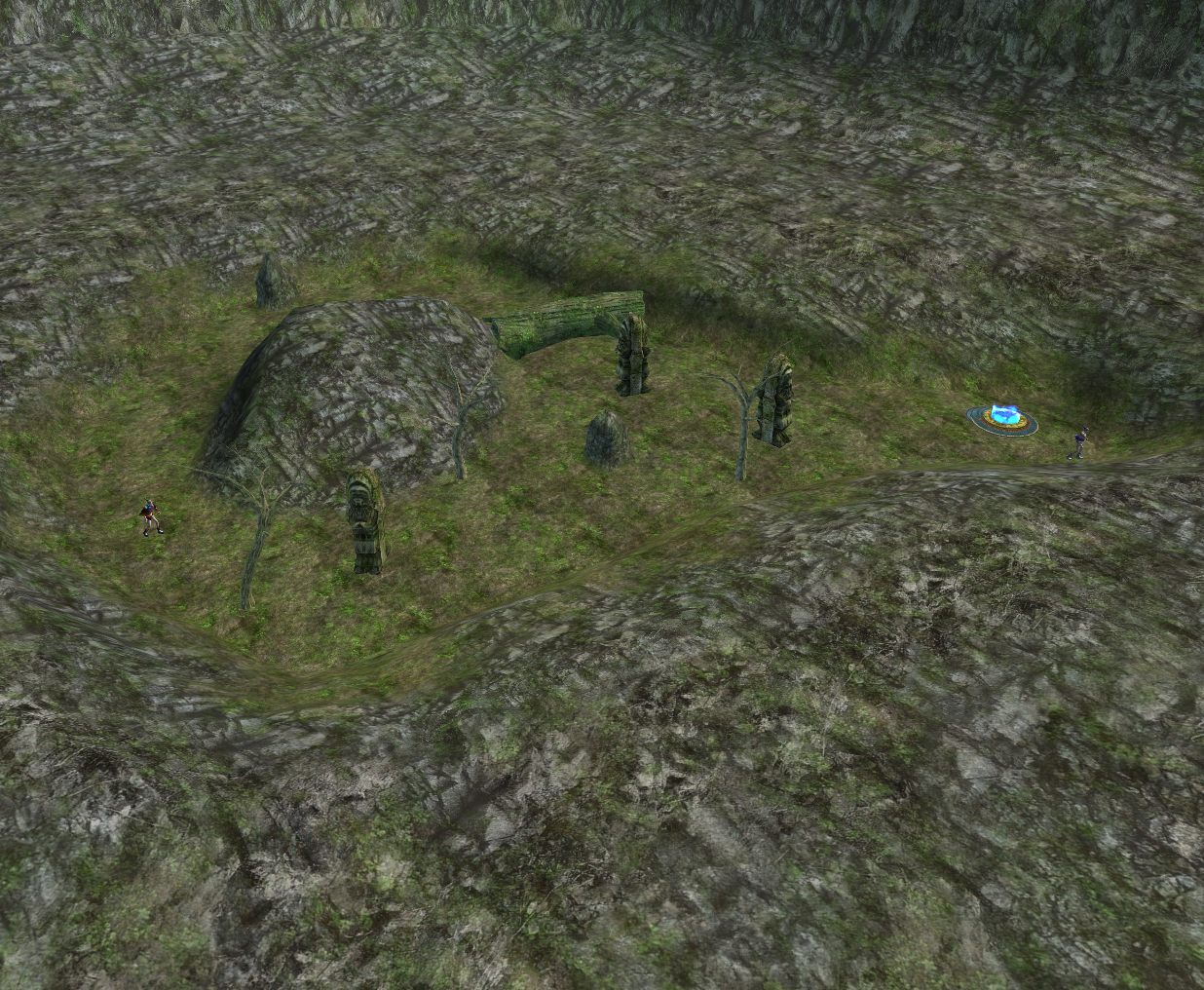
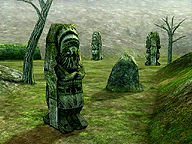 VS Mode Ruldo Forest takes place in an open area in the middle of a rocky outcropping. There are several statues, a few small dead trees, a Magic Booster, and a large fallen tree. The large tree can be broken if either player has a Power Transformer card on hand and uses it with the Magic Booster.
When capturing is allowed, there is a chance that a Golden Goose will appear.
The music used for VS Mode Ruldo Forest is the theme of Bhashea Castle.
P1/P2 Options
The P1 and P2 Options buttons can be selected to change the data of their respective players. Each player can only select and alter their own settings.
Deck
Choosing the Deck button will allow players to choose which deck they want to fight with. If no save file is chosen before pressing this button, the deck used will be the Starter Deck.
Bet
Selecting the Bet button will allow players to bet cards. Up to three cards can be bet per player. This option cannot be taken until both P1 and P2 have loaded their saves. Additionally, unlike the Two Player Mode of Lost Kingdoms, betting can only be done if both players use separate memory cards.
Cards used for betting will become the property of whichever player wins the battle. If the battle ends in a draw, no one will win or lose any cards. After a battle that has been bet on has concluded, both the files used by Player One and Player Two will automatically save progress.
In RUNE II, the Japanese version of Lost Kingdoms II, Capture Cards and Emperor cards cannot be used to bet with while capturing is enabled.
Character
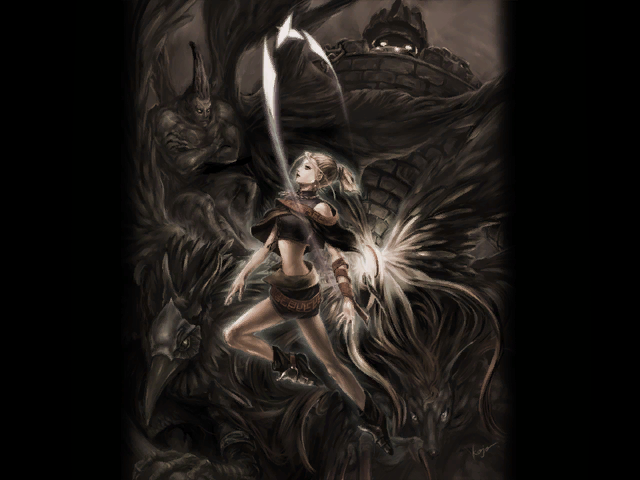
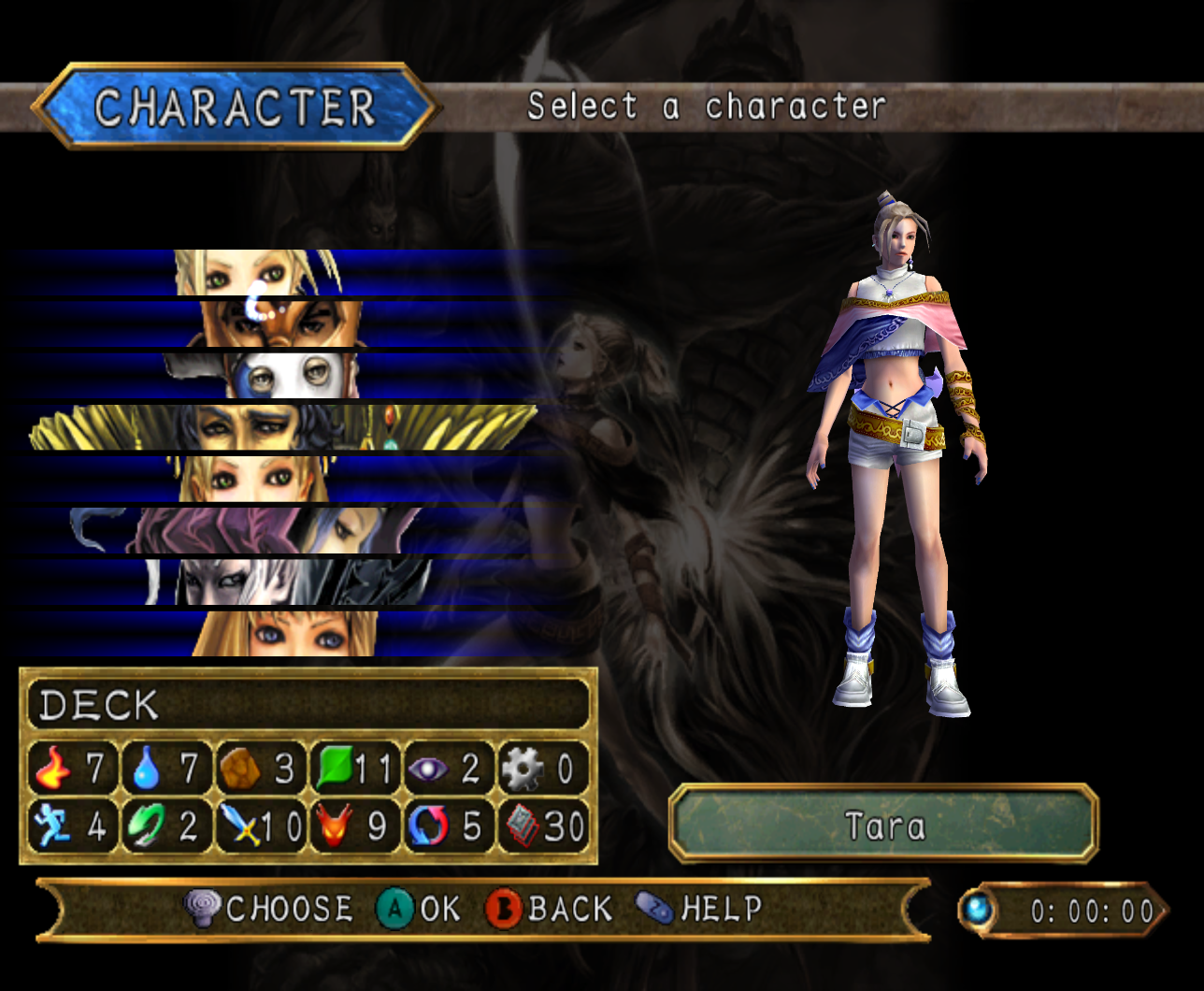
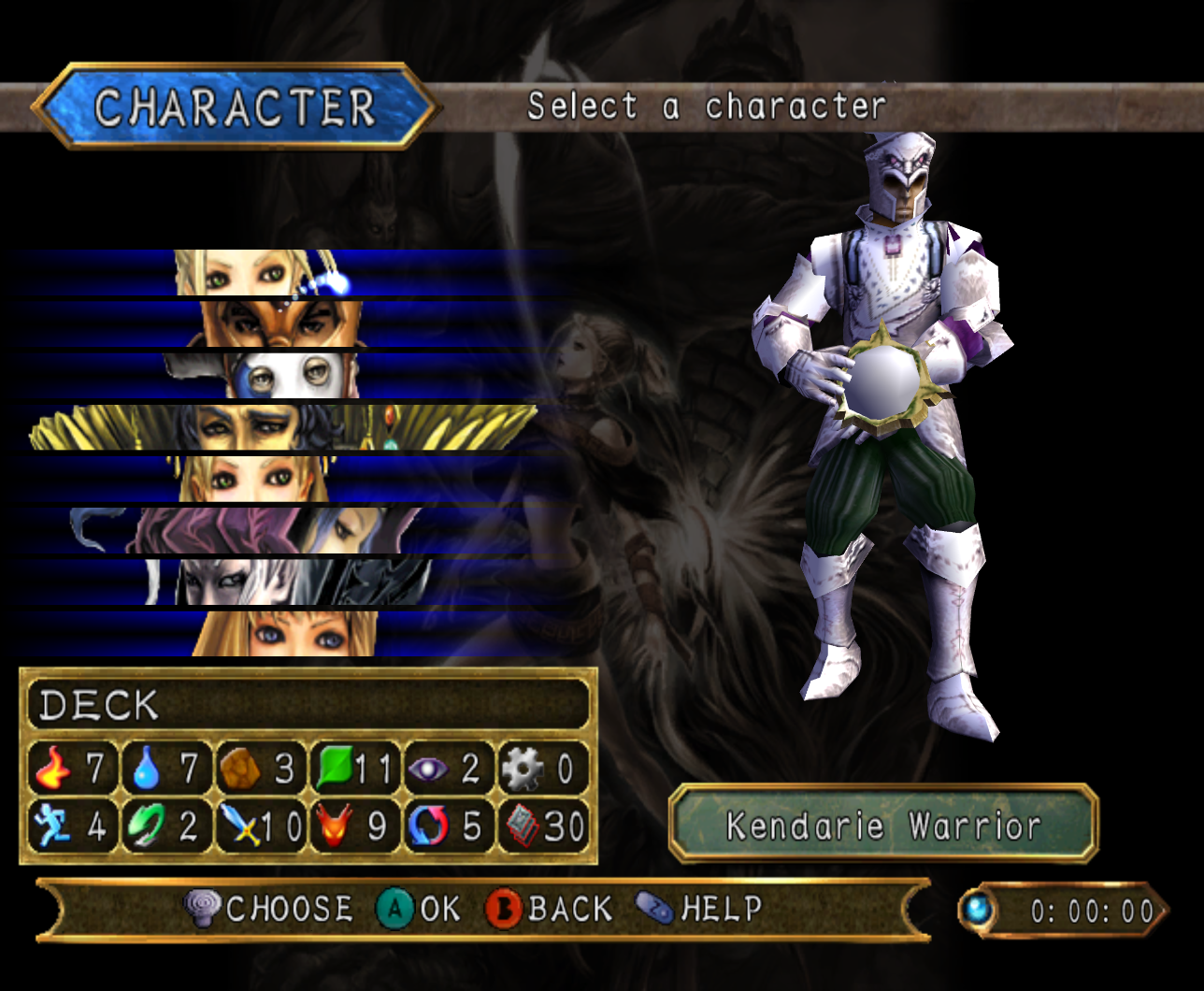
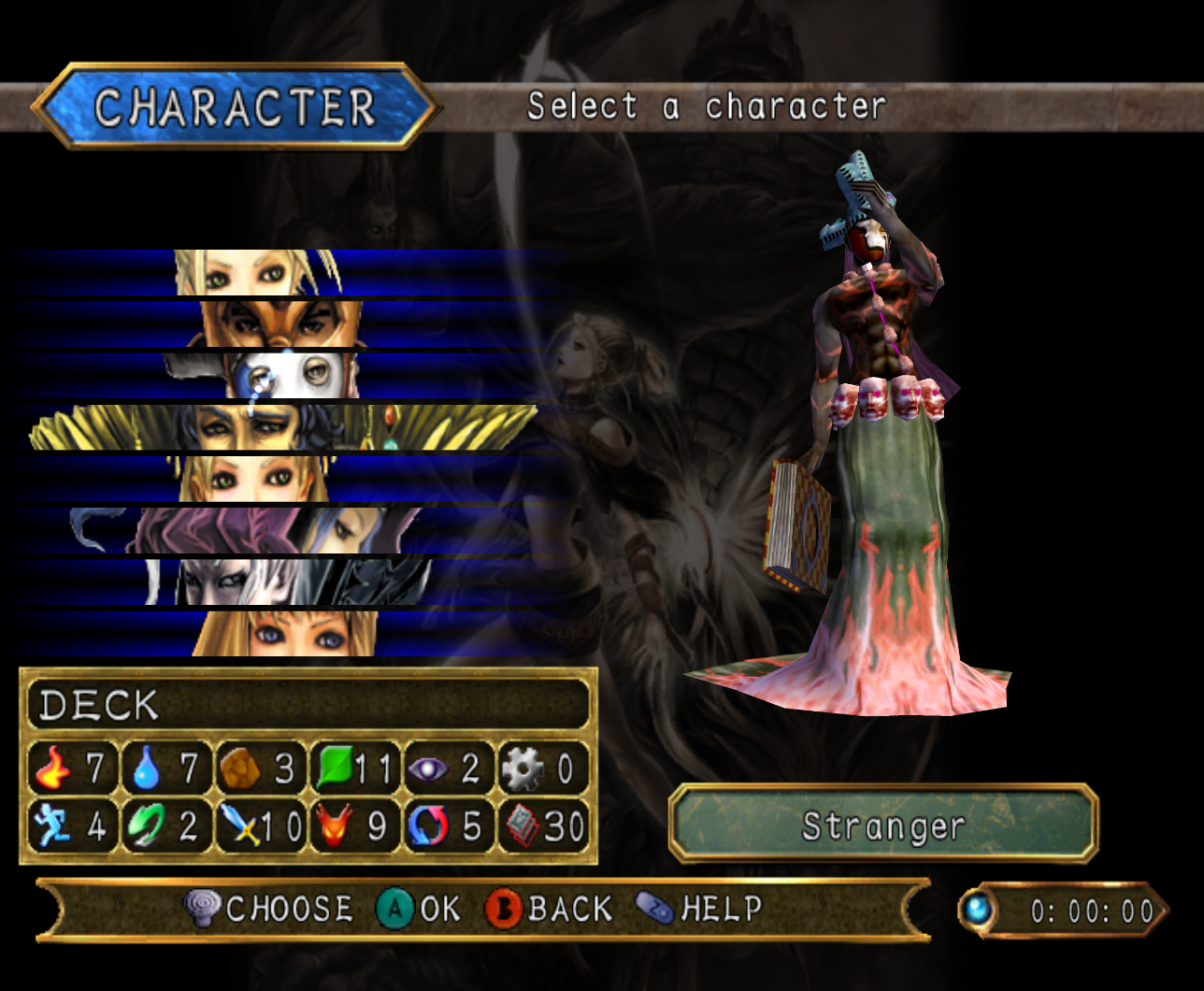
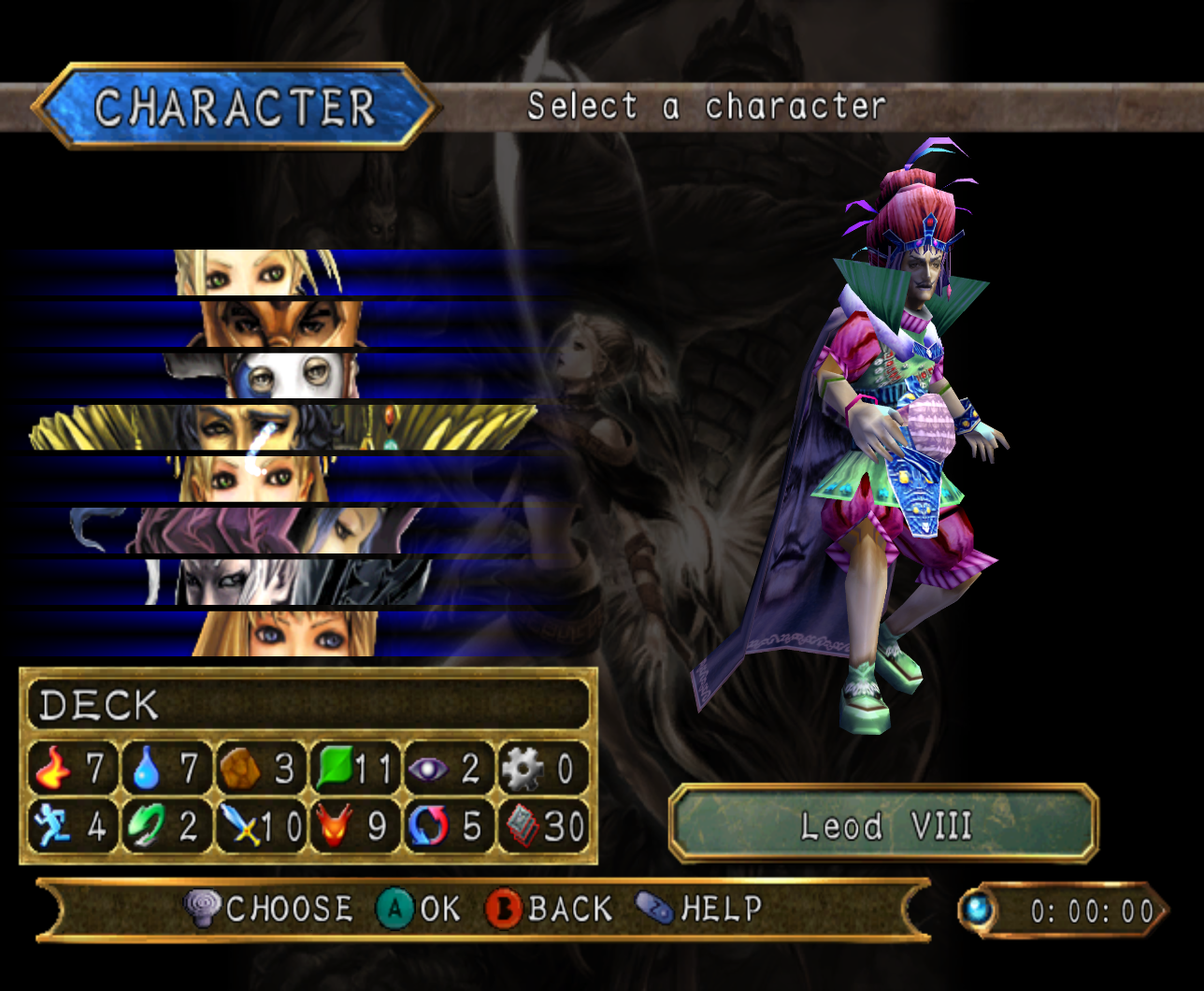
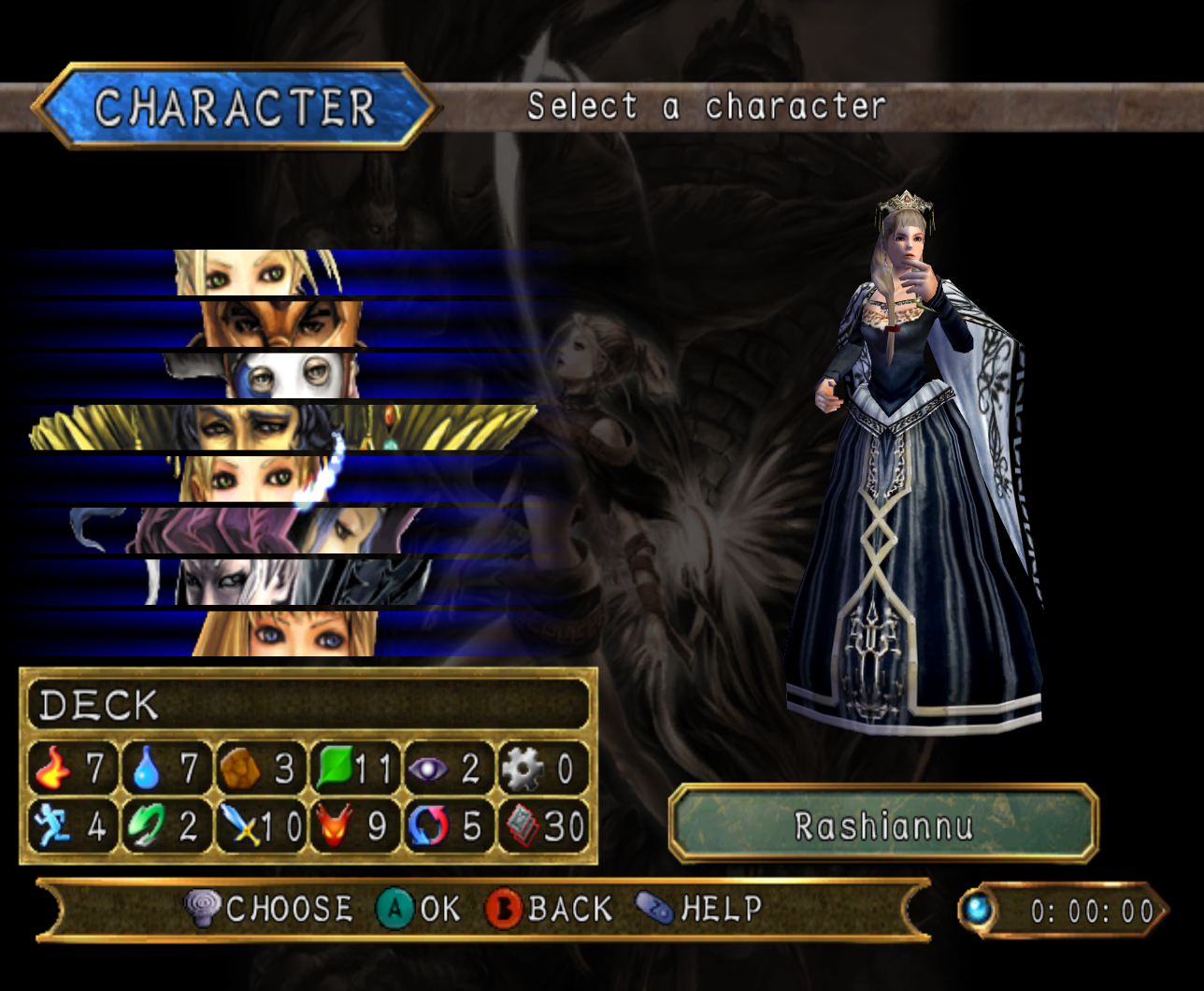
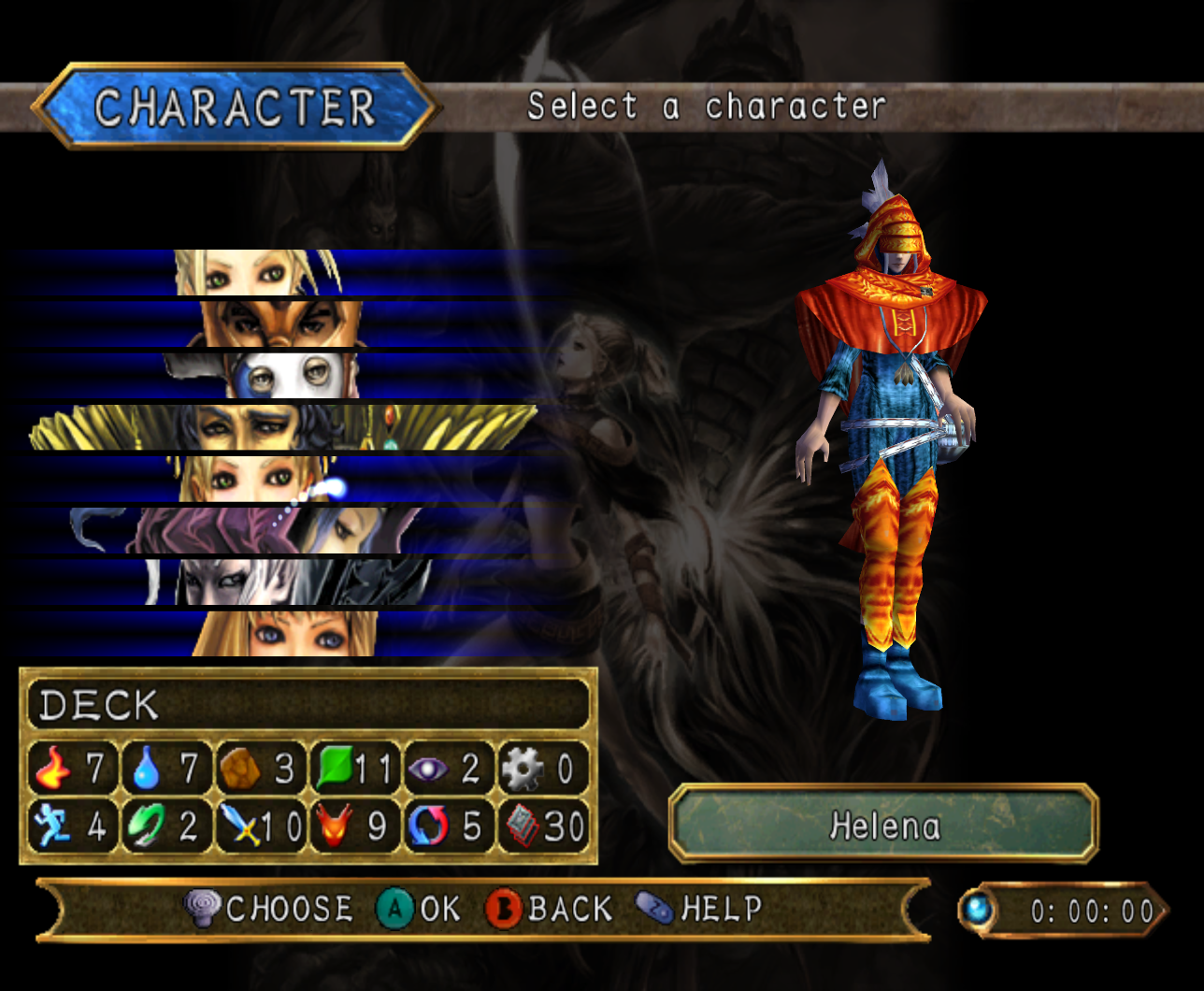
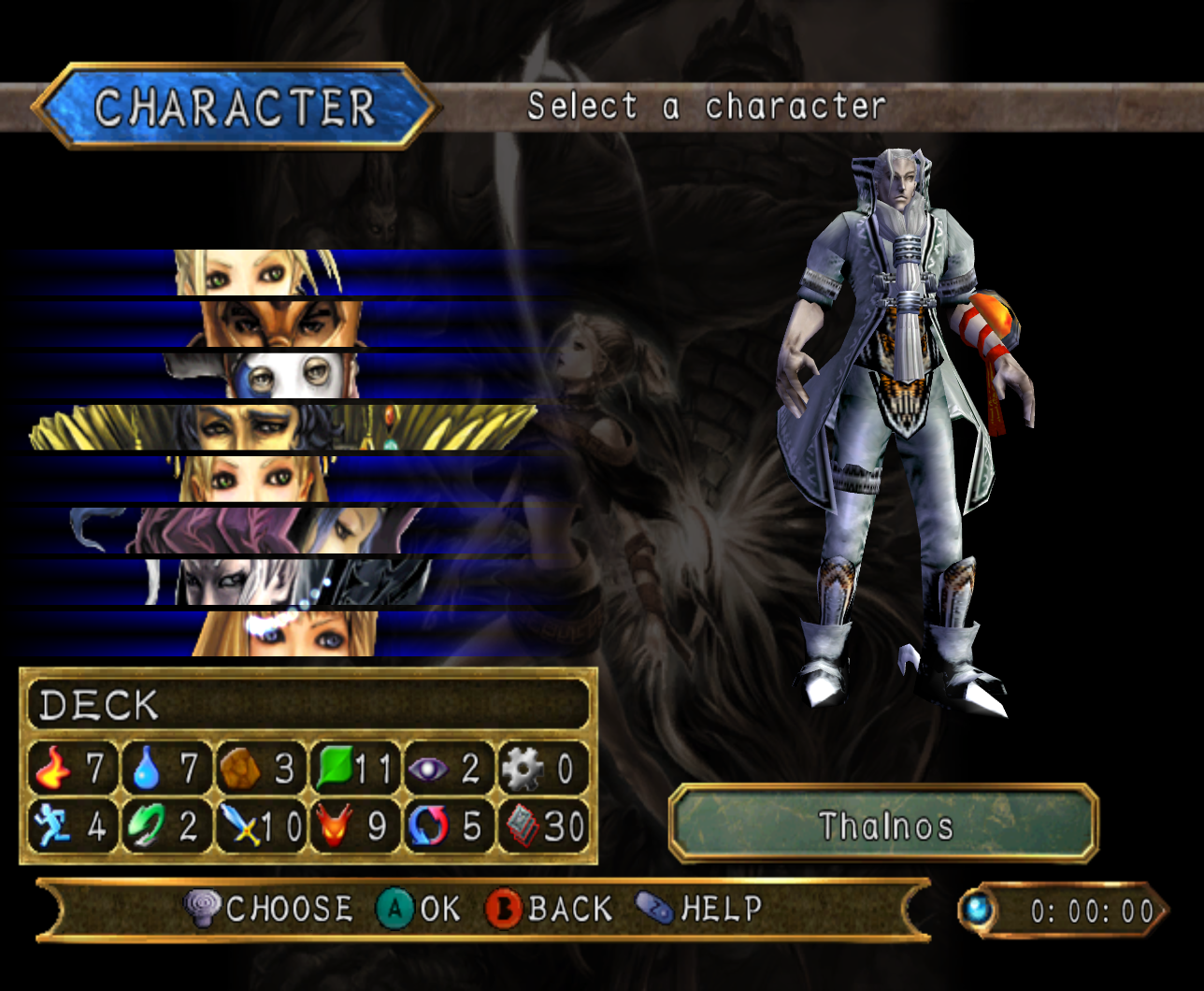
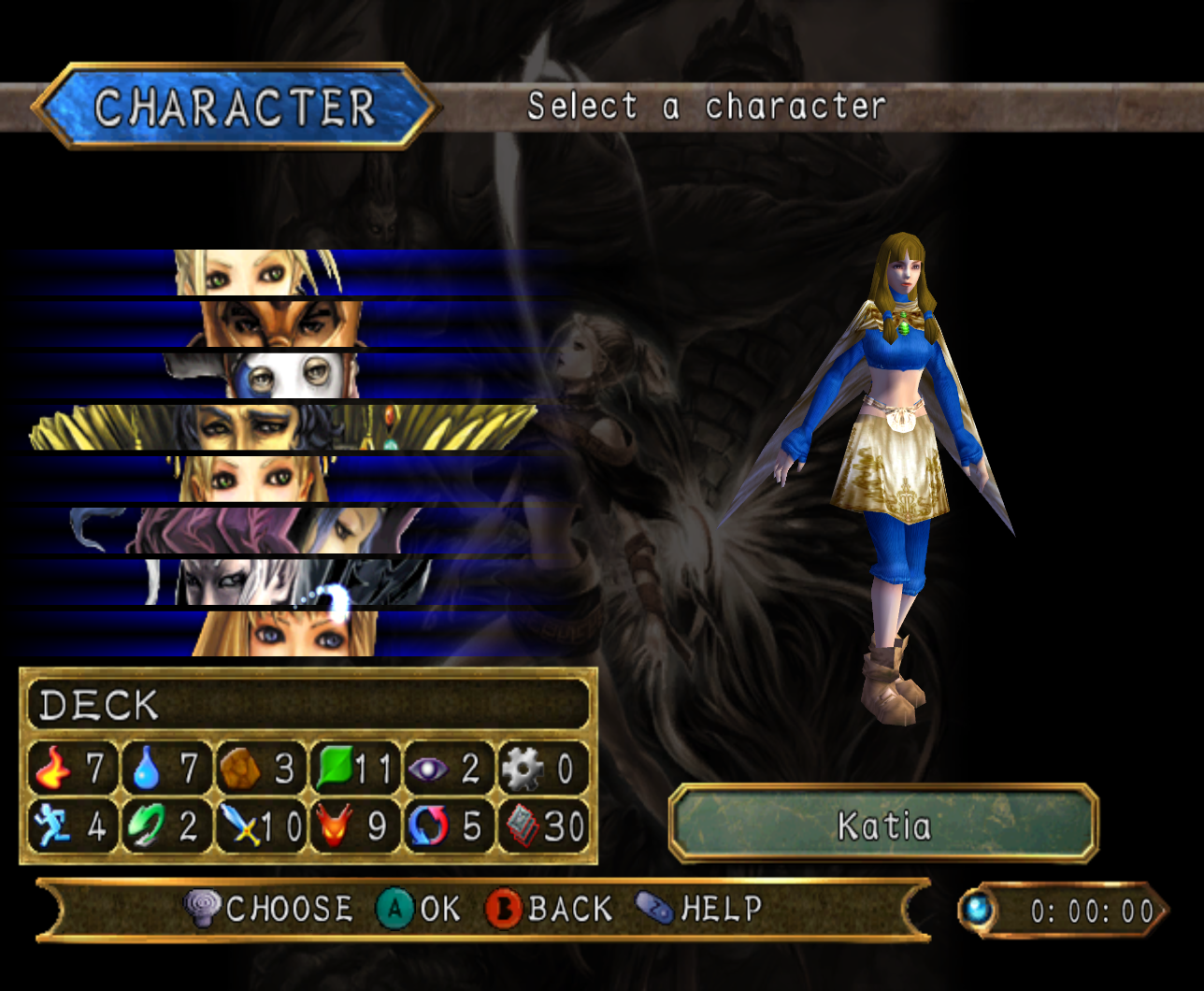
Selecting the Character button will allow players to choose the characters they want to play as. Tara is the only option available to players that don't use memory cards or are just starting Lost Kingdoms II. As the game is progressed, more characters can be unlocked.
There are a total of eight different characters to choose from in the VS Mode of Lost Kingdoms II. They are Tara, a Kendarie Warrior, a Stranger, Leod VIII, Rashiannu, Helena, Thalnos, and Katia.
Each character has two cosmetically different forms to play as. These forms are the one used for a character's default appearance and an alternate form exclusive to VS Mode. Unlike in Lost Kingdoms, the character options in the VS Mode of Lost Kingdoms II do not allow players to choose alternate appearances for their chosen characters. Player One will only be able to use the canon forms of the characters, while Player Two will only be able to use characters with appearances exclusive to VS Mode.
Tara
 ?
?
Tara is the only character in VS Mode that doesn't need to be unlocked.
Kendarie Warrior
 ?
?
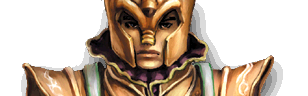
The Kendarie Warrior can be unlocked by clearing Kendarie Fortress.
Stranger
 ?
?
The Stranger can be unlocked by defeating the Stranger in Ruldo Forest.
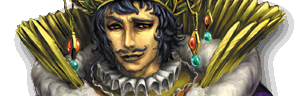
Leod VIII
 ?
?
Leod VIII can be unlocked by clearing the mission in Royal Tower, Middle.
Rashiannu
 ?
?
Rashiannu can be unlocked by clearing the mission at Royal Tower, Upper.
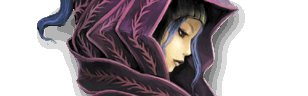
Helena
 ?
?
Helena can be unlocked by defeating her at Sacred Battle Arena 2.
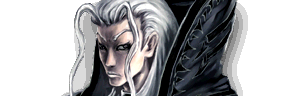
Thalnos
 ?
?
Thalnos can be unlocked by defeating him at Sacred Battle Arena 2.
Katia
 ?
?
Katia can be unlocked by defeating her at Sacred Battle Arena 2.
Save
Selecting the Save button will allow players to save their amounts of VS Mode wins, draws, and losses, and any titles they earn through VS Mode.
Load
Selecting the Load button will allow players to choose which save file to use.
Rules
Selecting the Rules button will allow players to adjust the rules of battles.
Time Limit
The Time Limit rule is for ajusting how long battles can play out. There are three options: 120 seconds, 300 seconds, and Infinite. 120 seconds is the default time limit.
Capture
The Capture rule will allow players to be able to catch monsters. If enabled, each stage has a chance to spawn a monster hostile to both players.
The Capture rule can be toggled on or off. It is disabled by default.
Fair Play
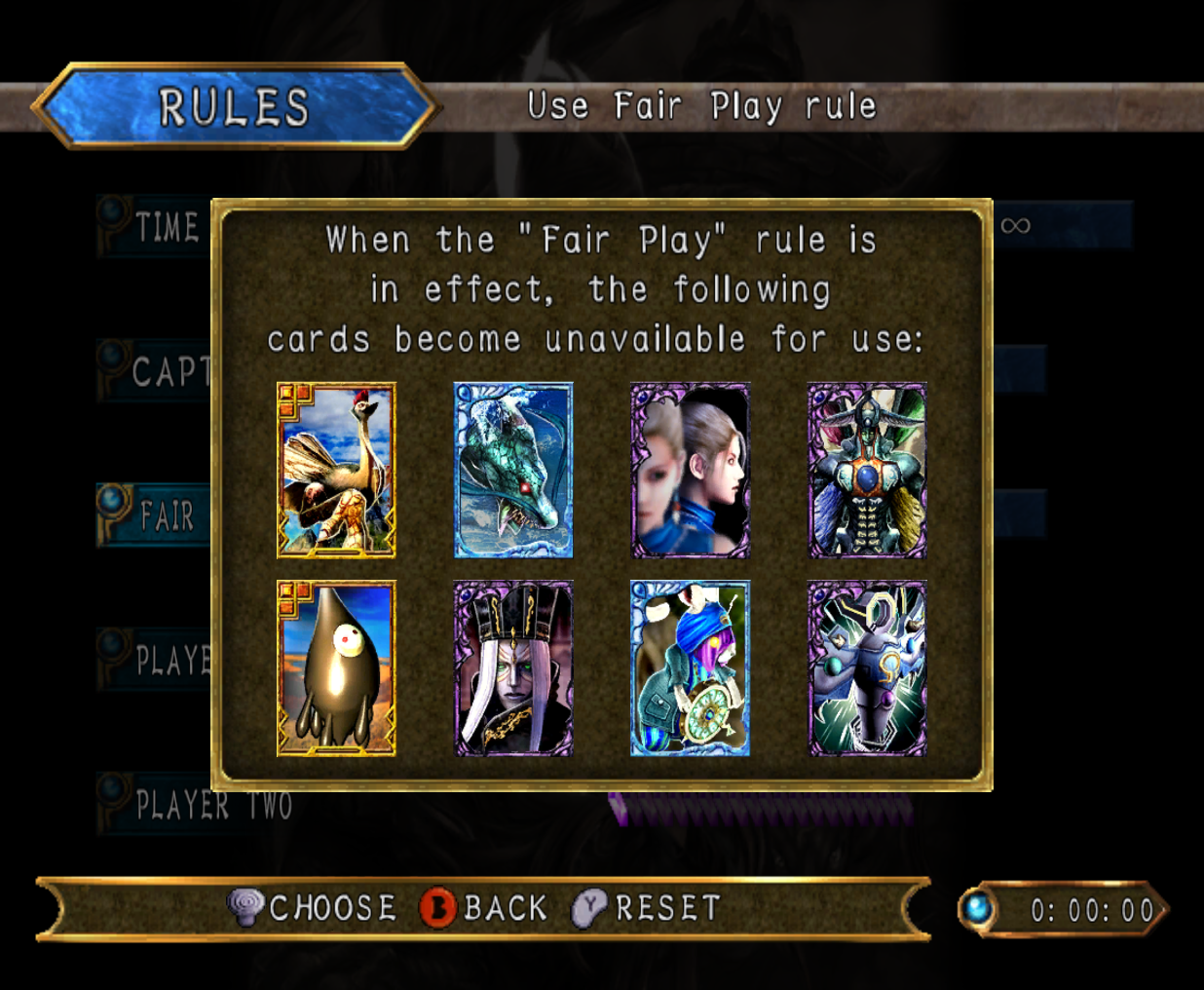
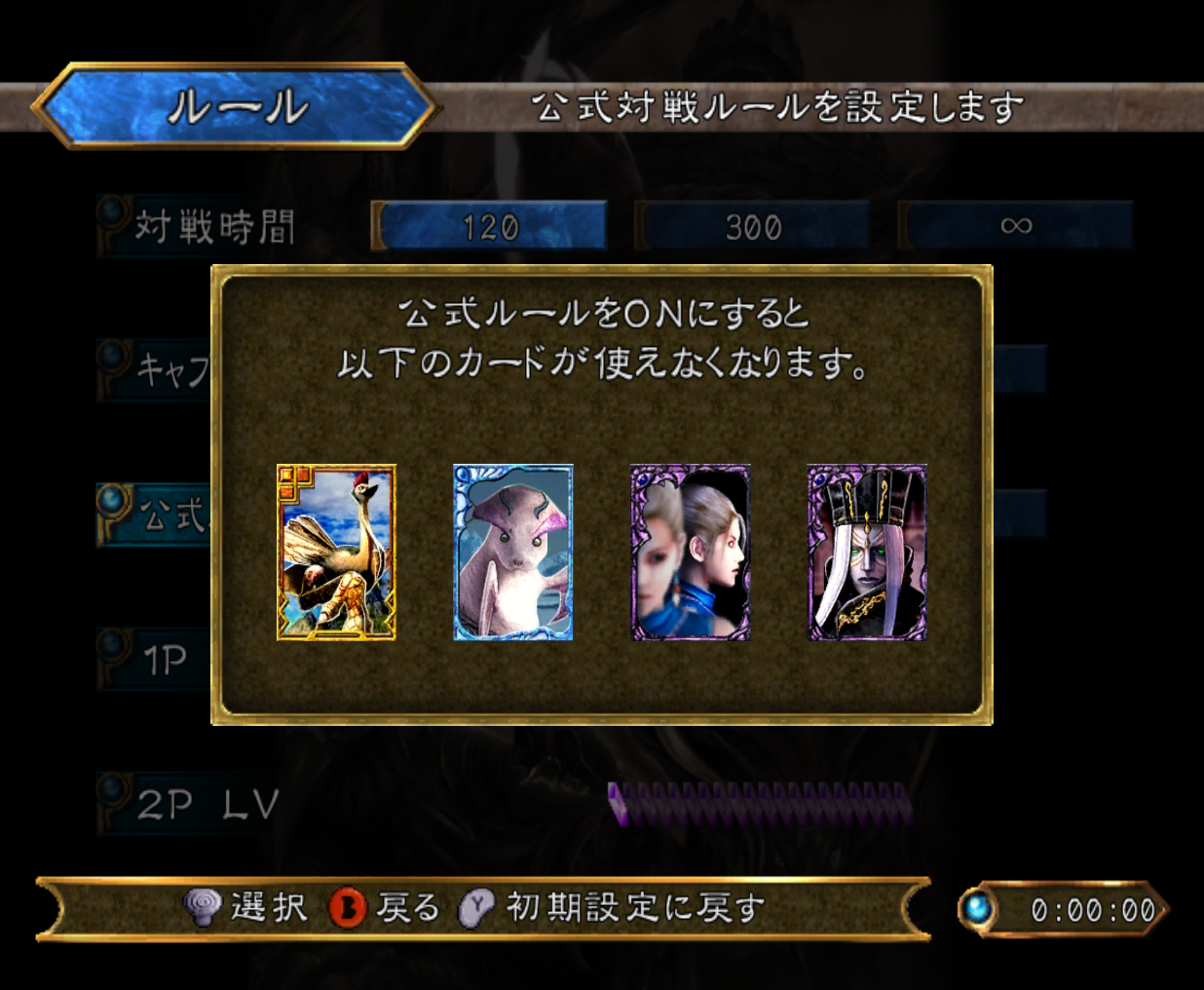
The Fair Play rule is used to prevent players from being able to use cards that could give them unfair advantages. The cards banned by this rule varies depending on which version of Lost Kingdoms II it is in.
There are eight cards banned from Fair Play in the US version of Lost Kingdoms II. They are the Running Bird, Blue Dragon, Doppelganger, God of Destruction, Acid Cloud, Emperor, March Hare, and Crystal Magic cards.
There are only four cards banned from Fair Play in RUNE II, the Japanese version. These are the Running Bird, Mermaid, Doppelganger, and Emperor cards.
The Fair Play rule can be toggled on or off. It is disabled by default.
Player One/Two
The Player One and Player Two options can be used to adjust the level of the players. The lowest level a player can be is 1, whie the highest is 20. The default level of both players is 1, even if save files where Tara is at a higher level are used.
Options
Selecting the Options button will take players to the options submenu. This menu can be used to alter how the game sounds, whether or not controllers will use the rumble effect, and which control type players can use.
Sound
The Sound option will alter how the sounds of the game p'ay through the speakers. There are three versions to choose for how the sound will play: Stereo, Mono, and Surround. Stereo is the default option.
Music
The Music option will allow players to adjust the volume of the music. It can be adjusted from zero to fifteen. The default volume is at ten.
Effects
The Effects option will allow players to adjust the volume of the sound effects. Like the Music option, the Effects option can be adjusted from zero to fifteen, and the default volume is at ten.
Rumble
The Rumble settings allow the players to choose whether or not the controllers will rumble. Rumble is enabled by default.
Controls
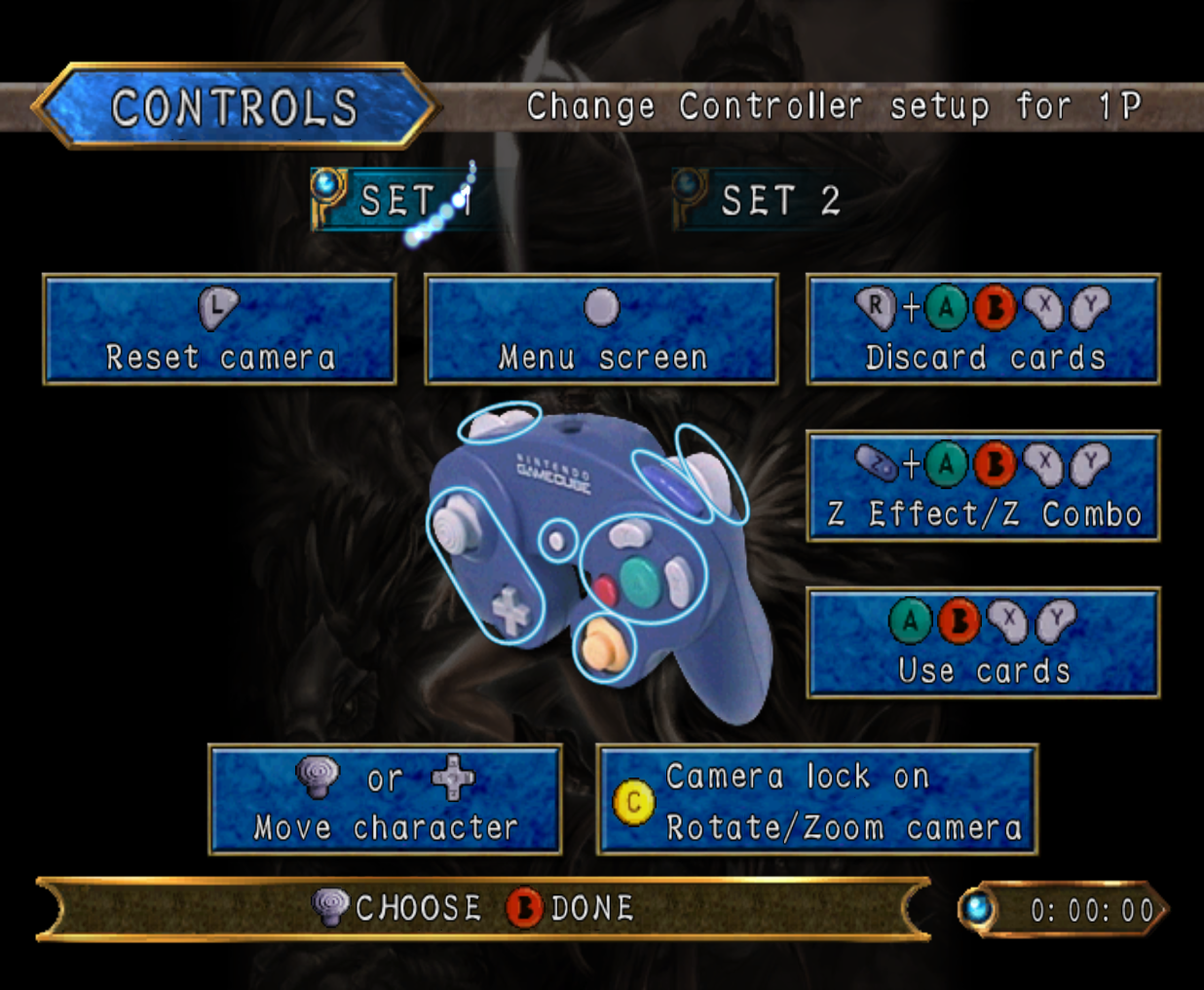
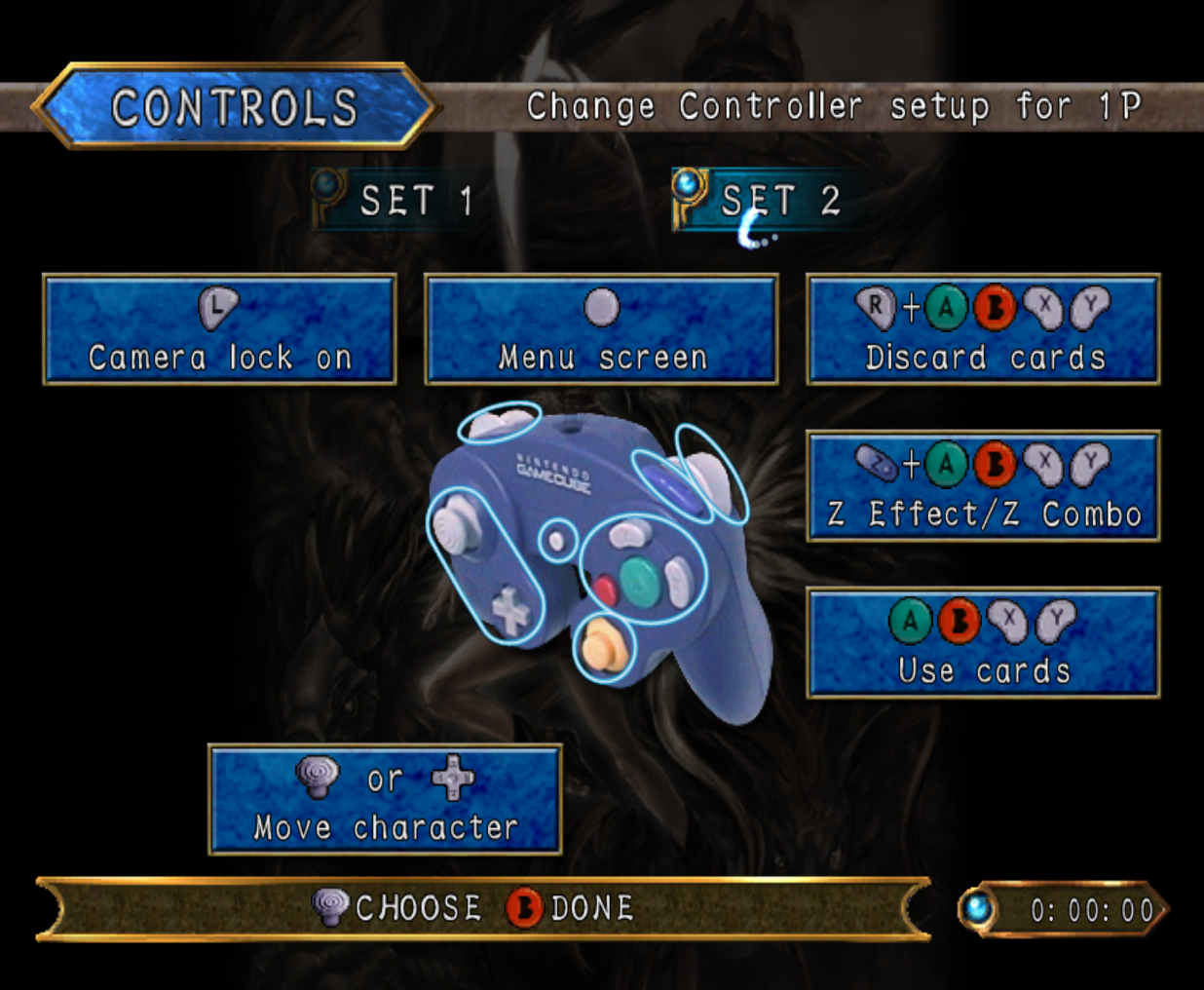
The Control option allows the players to choose from two different control schemes. SET 1 will allow the C-Stick to control the camera and the L Button to reset it, while SET 2 can't use the C-stick for anything and the L Button is used to make the camera lock-on to targets.
Glitches
- ?
Trivia
- ?
Gallery

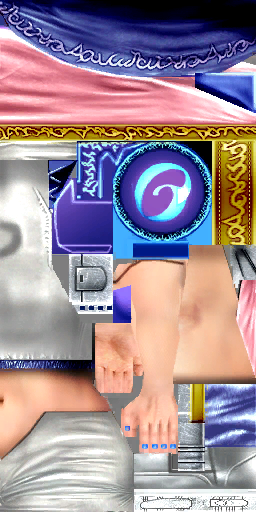
The other textures Tara's P2 model uses are the same as the ones used for Tara's normal model.
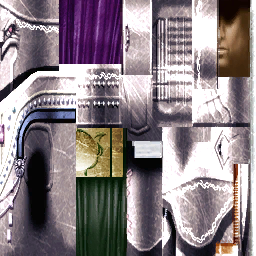
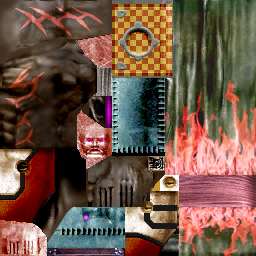
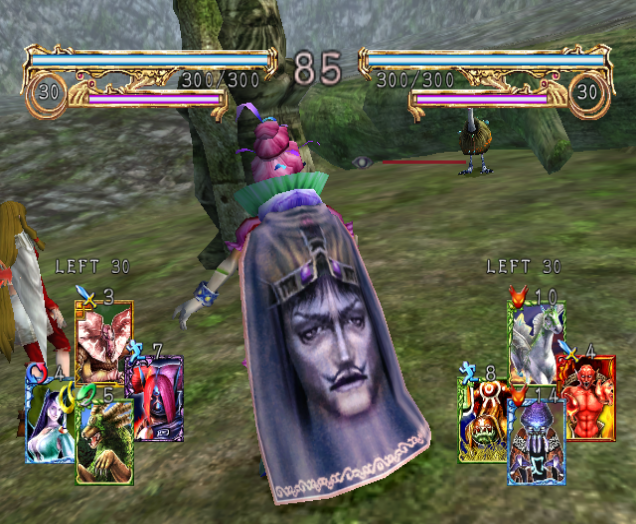
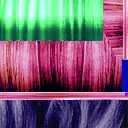
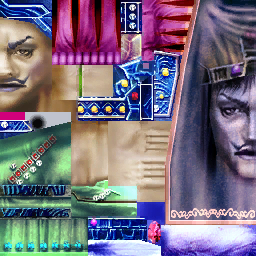
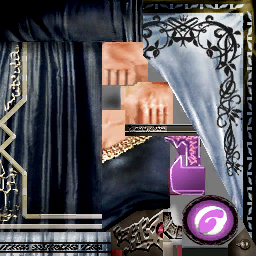
The other textures Rashiannu's P2 model uses are the same as the ones used for Rashiannu's normal model.
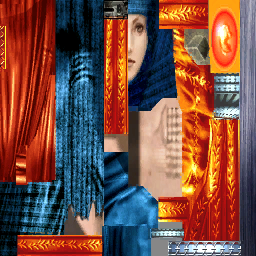
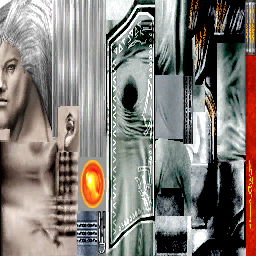
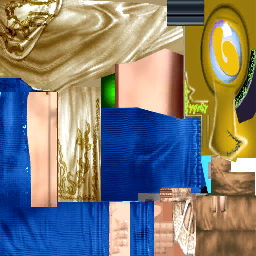
The other textures Katia's P2 model uses are the same as the ones used for Katia's normal model.