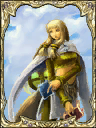
This page is for Two Player Mode, a gameplay mode from Lost Kingdoms. For the same mode in Lost Kingdoms II, see VS Mode.
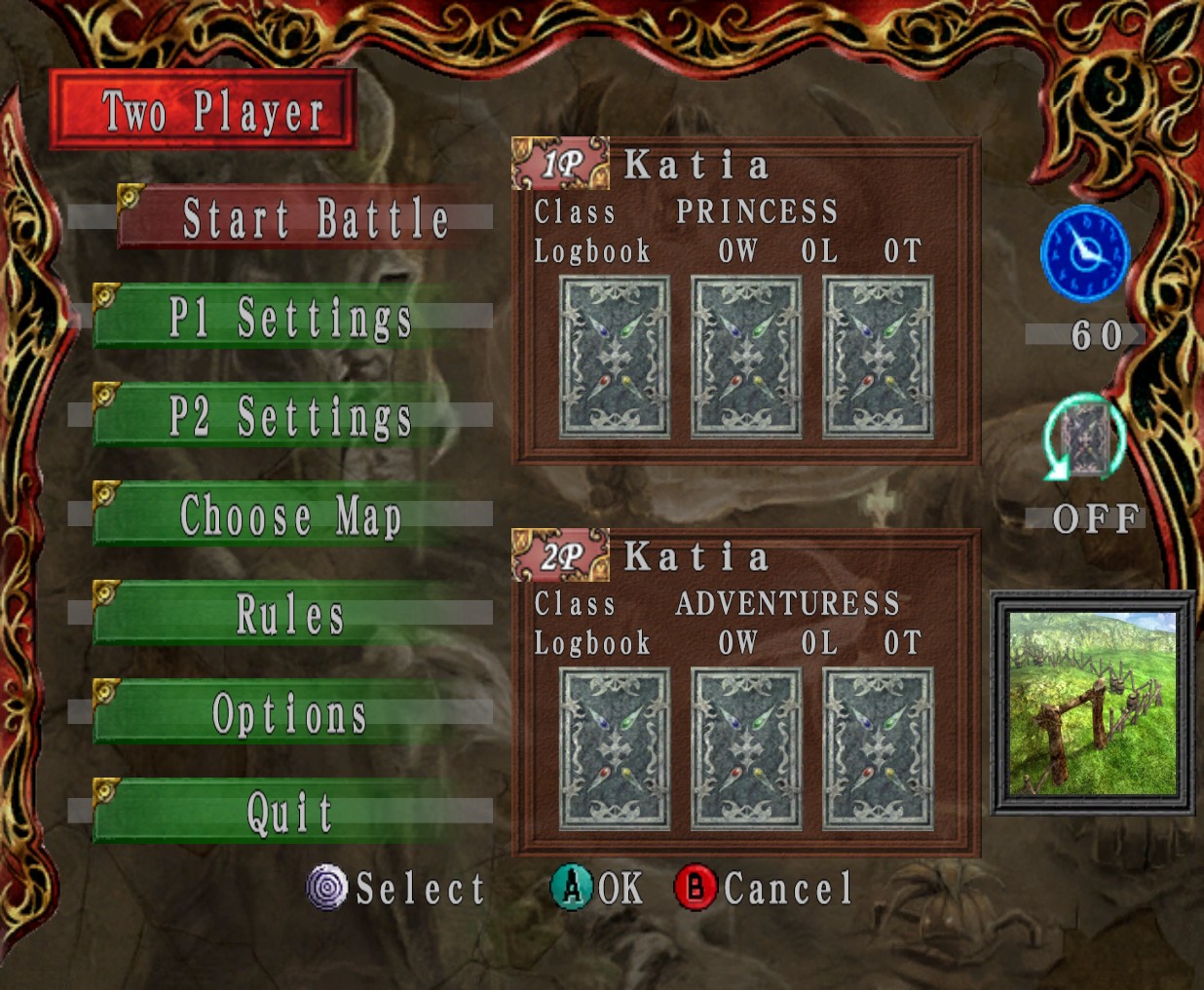 Two Player Mode is a gameplay mode two players can use to duel each other in Lost Kingdoms.
Summary
?
Titles
By winning battles in Two Player Mode, certain titles can be gained.
| Titles!!Amount of wins needed |
|---|
| |2 Wins |
| | ? Wins |
Start Battle
Selecting the Start Battle button will begin a battle.
P1/P2 Settings
The P1 Settings and P2 Settings menus are for customizing the options for their respective players. Player One can only use the P1 Settings, while Player Two can only use the P2 settings.
The options available in each of these menus are Edit Deck, Select Deck, Bet, and Choose Color.
Edit Deck
The Edit Deck option allows the player to customize the active deck. This option cannot be taken until a save file has been loaded.
Select Deck
Th Select Deck option allows the player to select a deck to use. This option cannot be taken until a save file has been loaded. The only deck that can be used without a save file is the Starter Deck.
Bet
The Bet option will take players to the Bet menu. This menu will allow players to bet up to three cards. This option cannot be taken until both P1 and P2 have loaded their saves. Unlike the VS Mode of Lost Kingdoms II, both players can use the same memory card.
All three slots in the betting box must be filled to successfuly place a bet. A player can choose to bet a card by choosing its icon, bet a random card using the icon of a red question mark over the back of a card, or use up a slot in the betting box without betting a card by selecting the icon of the back of a card with nothing on it.
Choose Color
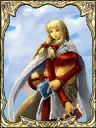
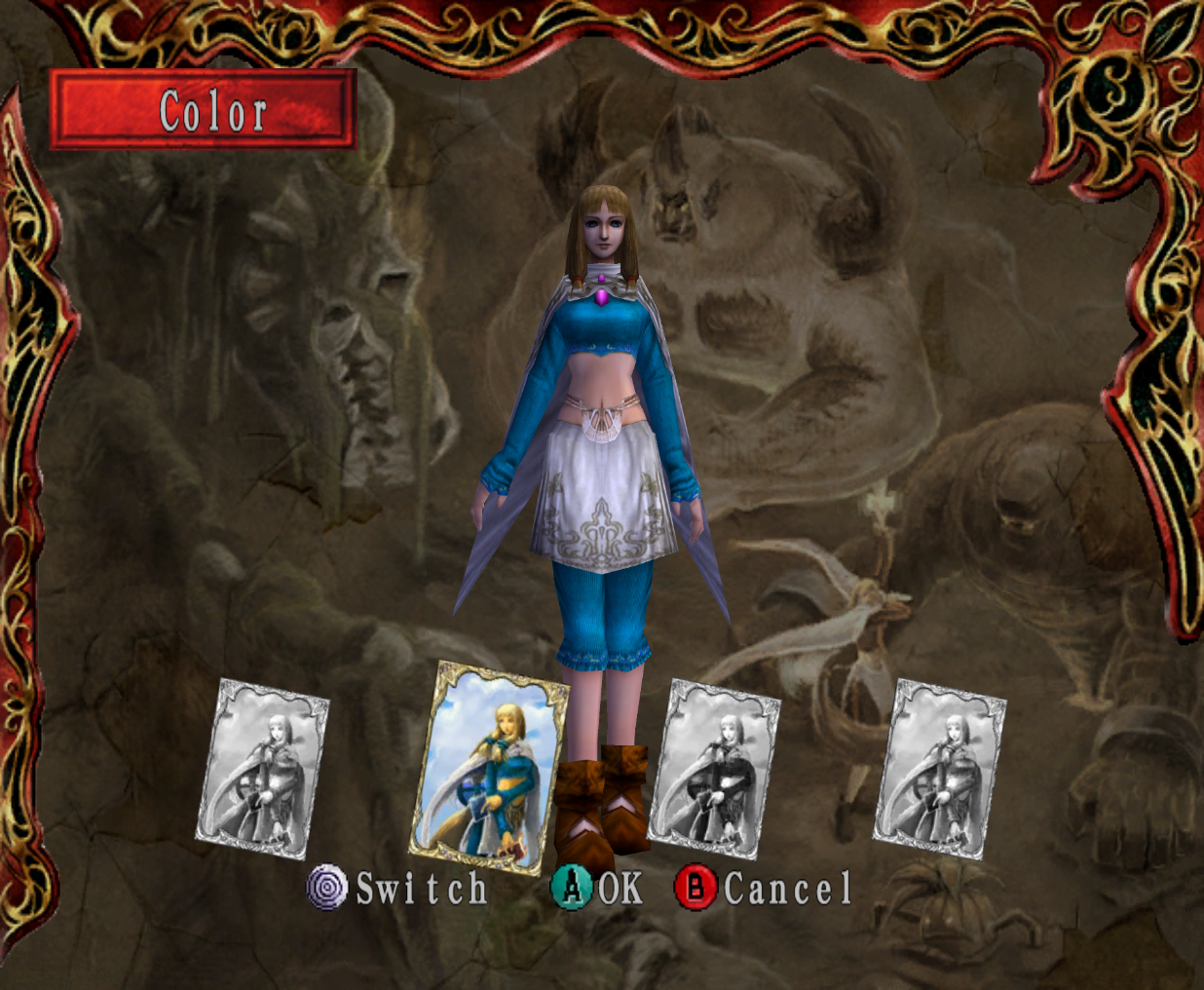
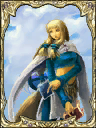
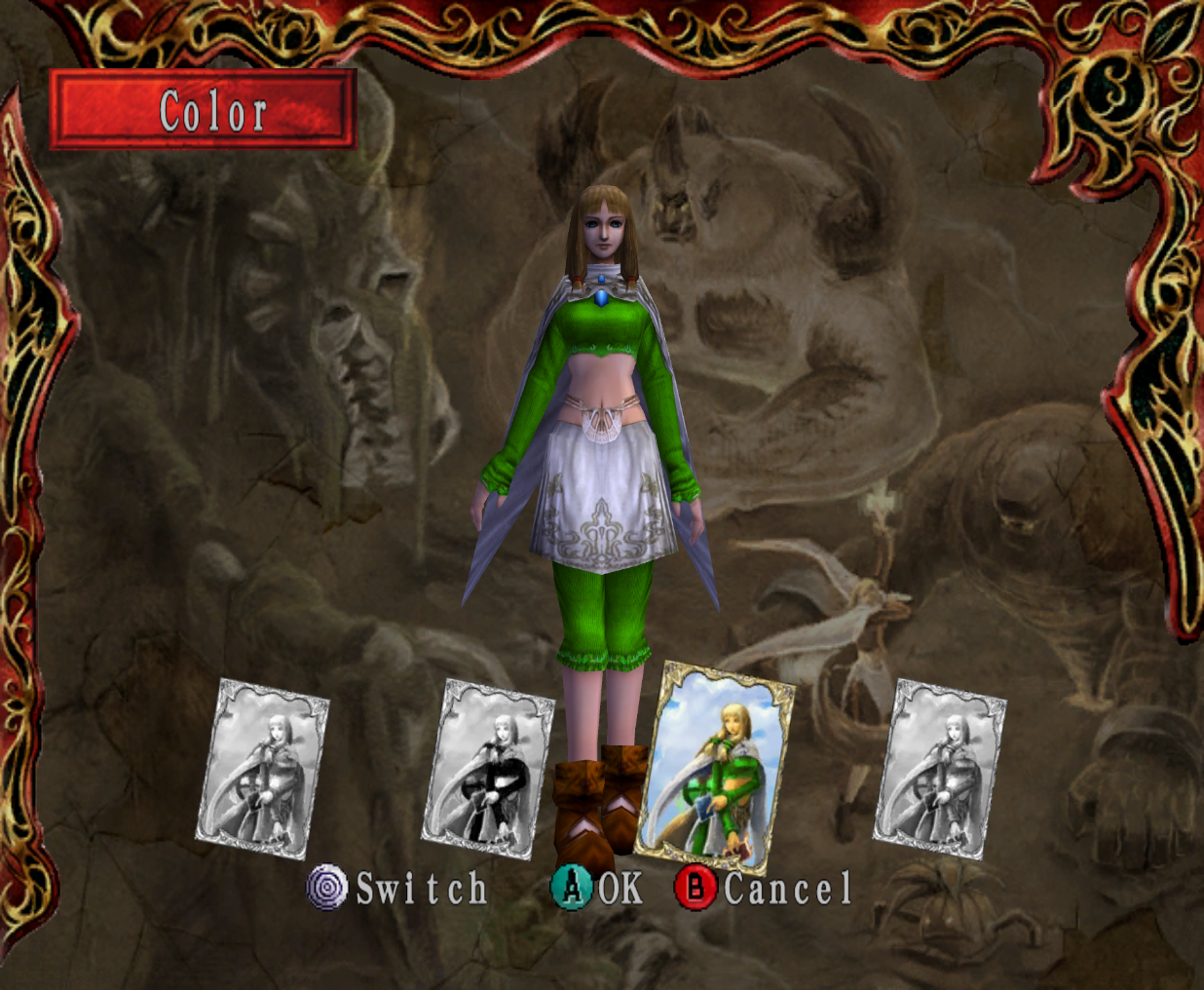
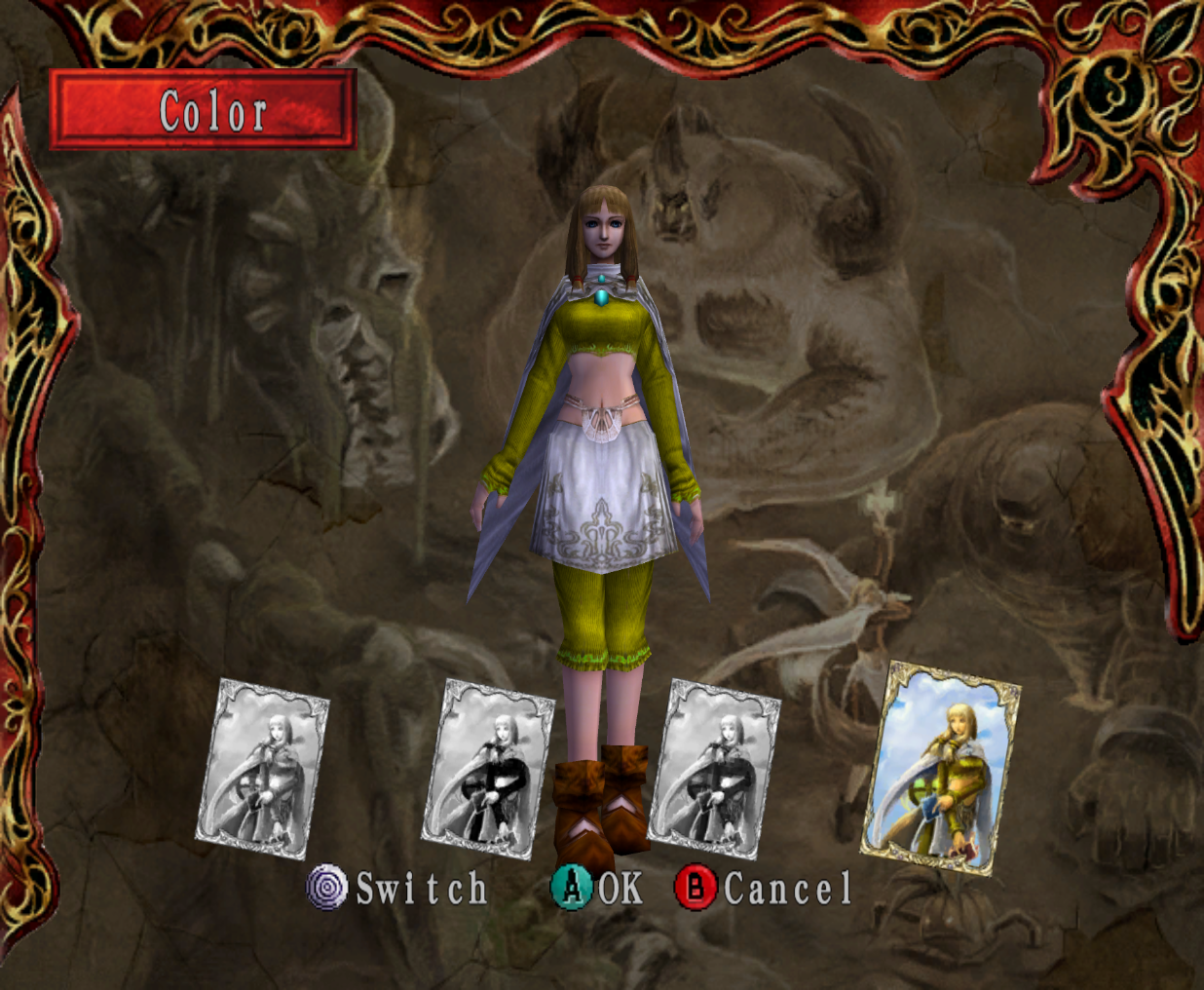
The Choose Color option allows players to choose one of four Katias as the characters they will control. Each of the Katias have different colored outfits. The colors available are red, blue, green, and yellow.
The default outfit color for Player One's Katia will be red, while the default for Player Two's Katia is blue.
Choose Map
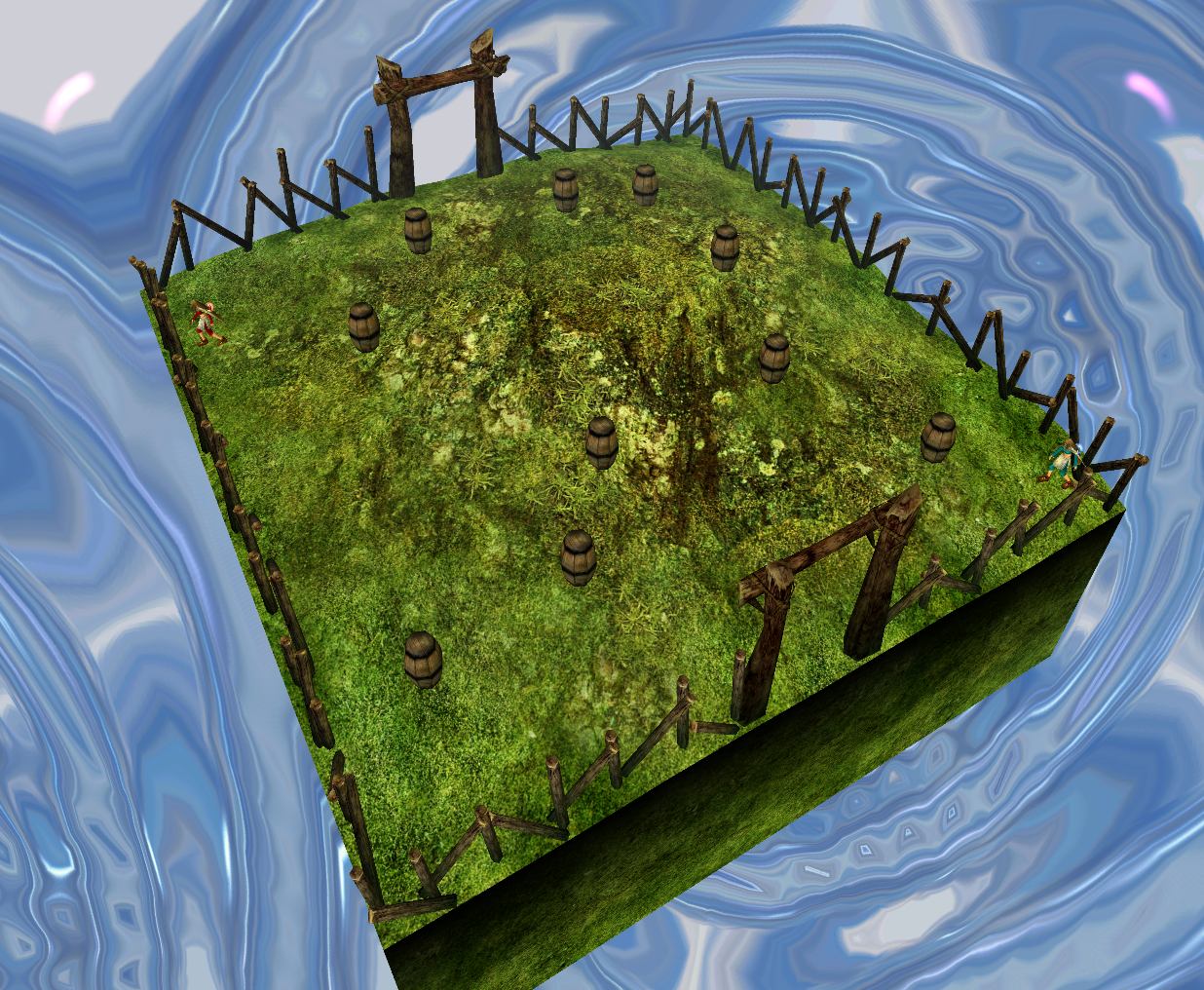
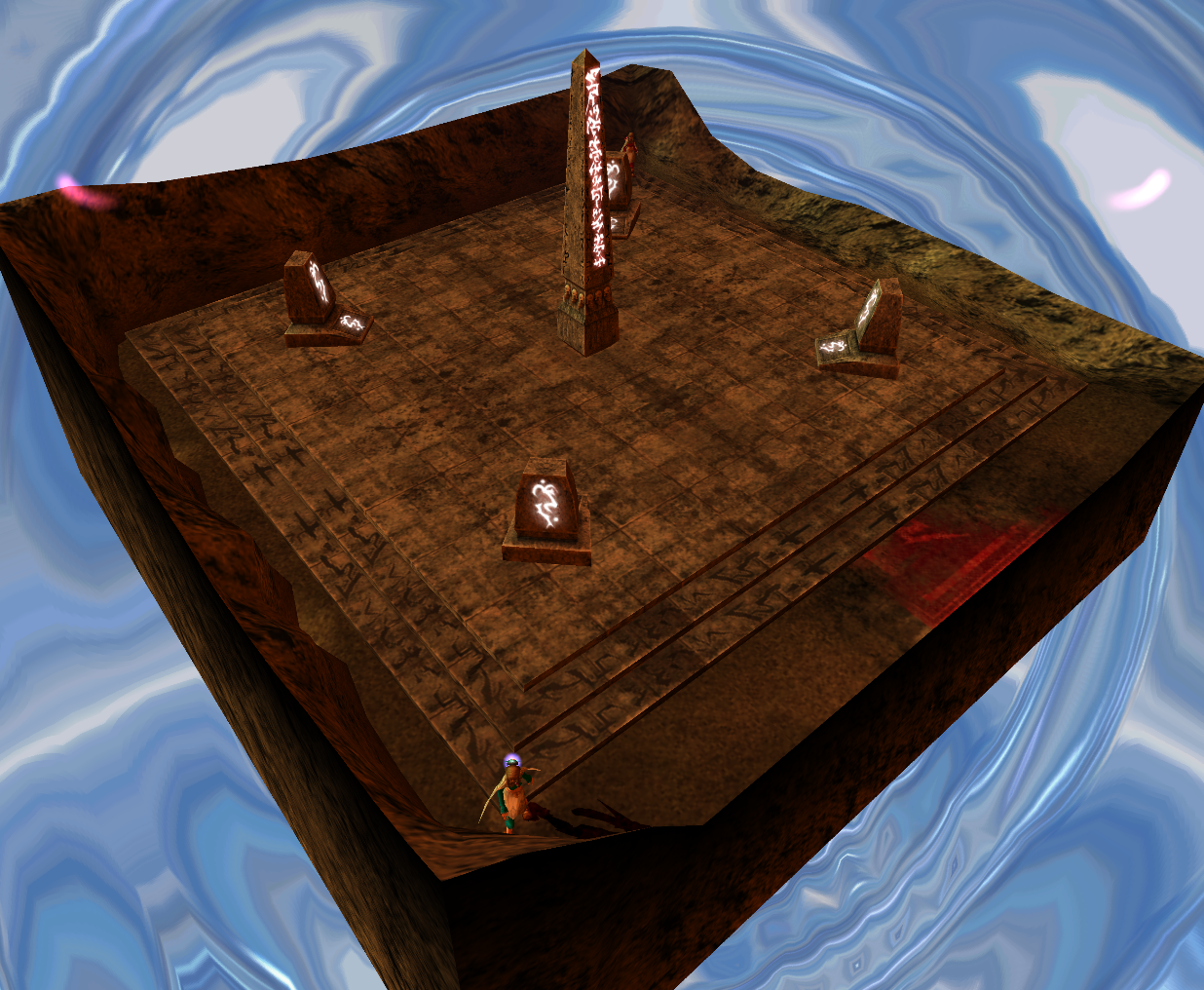
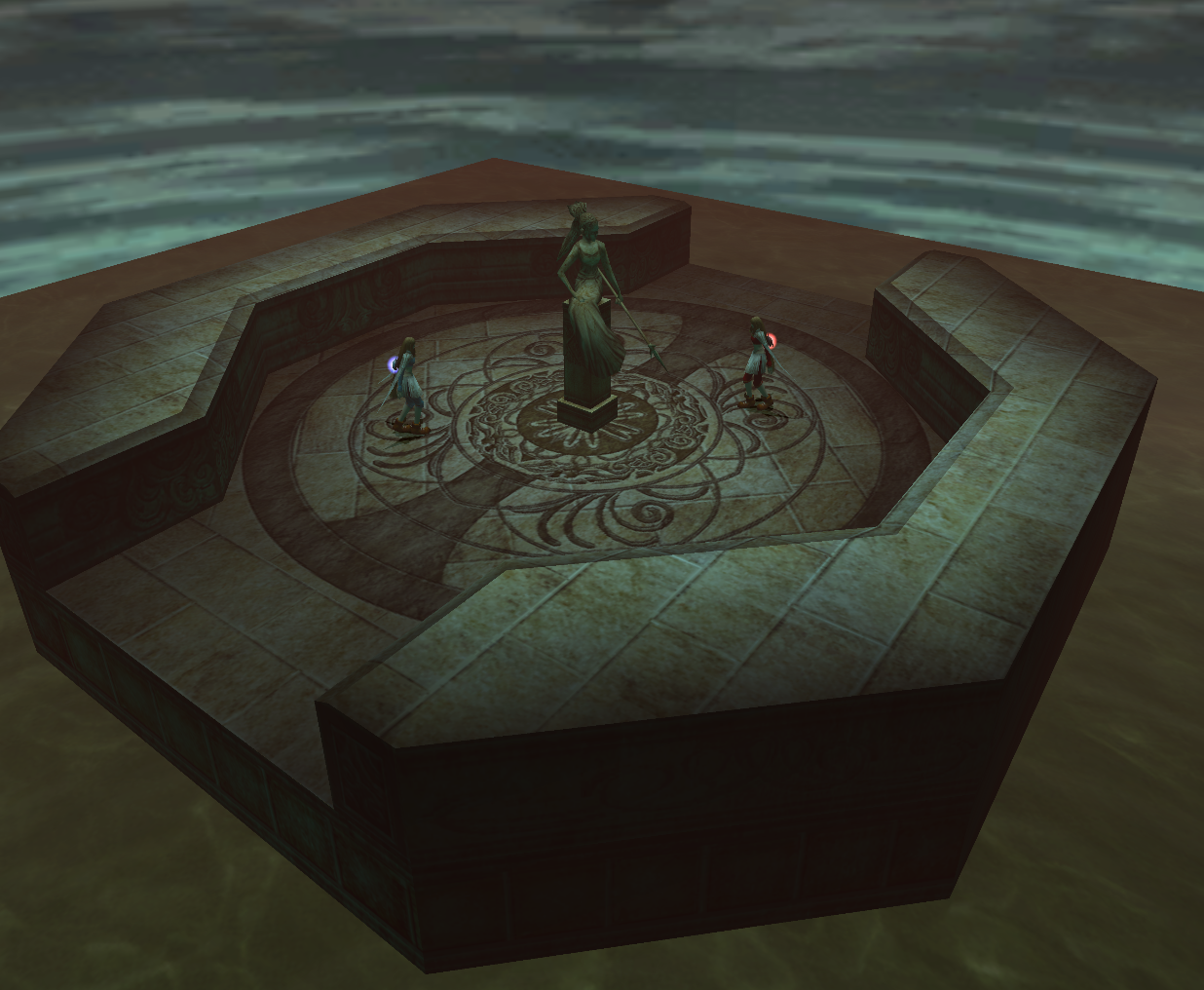
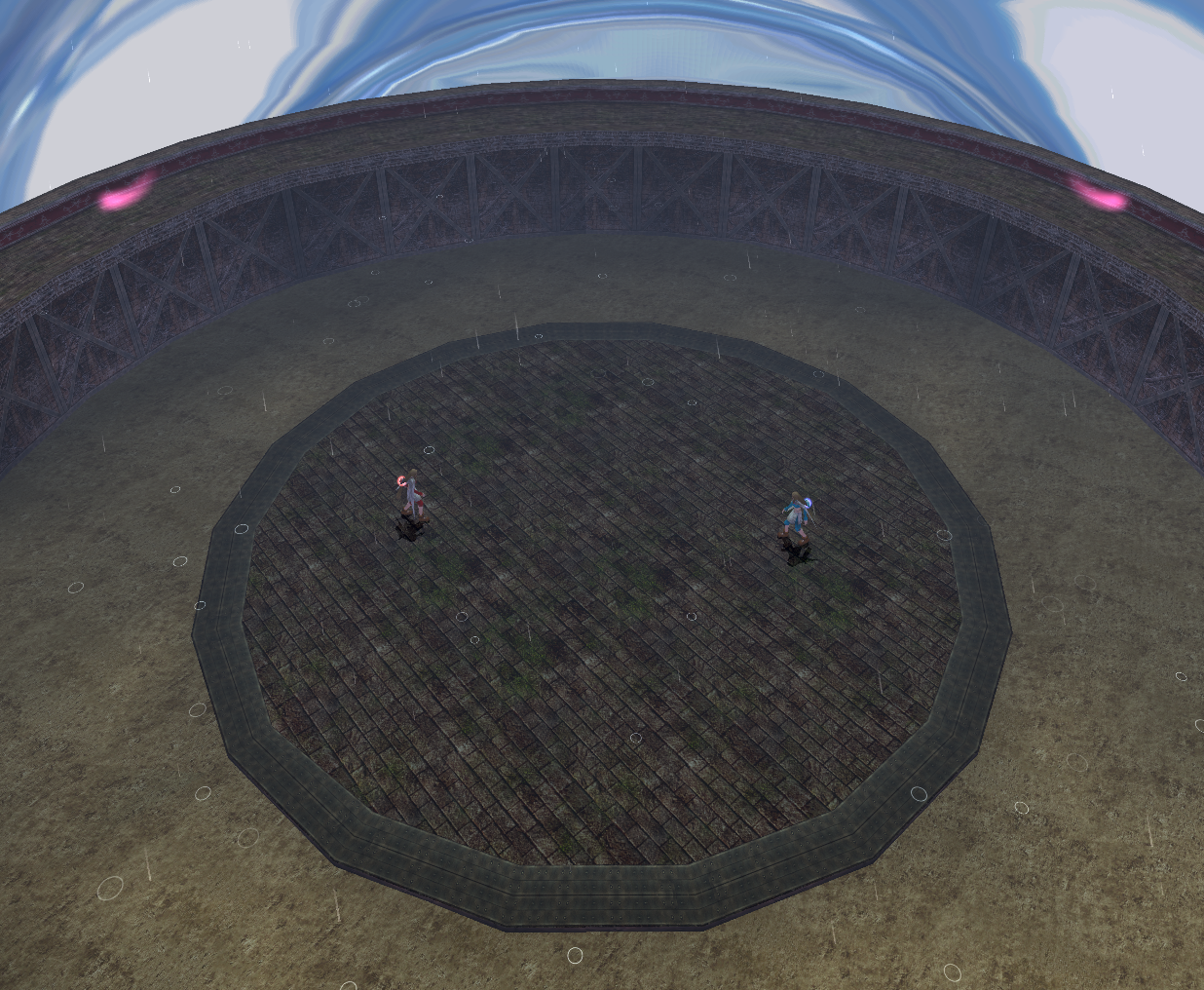
The Choose Map option allows the players to choose which stage to battle in. Five stages are available. each of these stages are based on a level in the single player campaign of Lost Kingdoms: the Plains of Rowahl, the Burial Grounds, Mt. Jarndunn, the Bridge of Sarvan, and the Coliseum.
Plains of Rowahl
Description
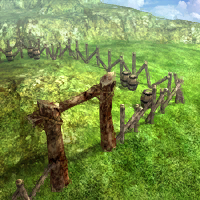 "A crossroads that boasts unobstructed views and a level playing field."
Summary
This stage takes place in the Goblin Fort at the Plains of Rowahl during the day. The stage is square shaped and has many breakable barrels. Breaking a barrel will spawn Magic Stones, but will it also trigger an a large pillar of flame explosion and damage those too close to it.
The explosions of broken barrels will cause 9 damage to players set at Level 1, 8 damage to players set at Levels 2 and 3, and 7 damage to players set at Levels 4 and Level 5.
Burial Grounds
Description
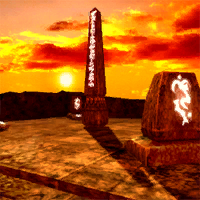 "Burial grounds of the Kings of Alanjeh. Obstacles dot the battlefield."
Summary
This stage takes place by the Obelisk in the Burial Grounds during a sunset when the weather has cleared up. It is a square shaped stage with the obelisk in the center and a small tombstone on each corner.
Mt.Jarndunn
Description
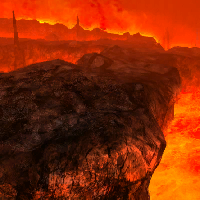 "The heart of a fiery volcano. Natural hazards add to the challenge."
Summary
This stage takes place at Mt.Jarndunn. This stage is only the corner of a square, as most of the battlefield is a pool of magma that will occaisionally spit out flaming boulders. The only solid ground here has two small flame jets as stage hazards.
The flame jets will cause 13 damage to players set at Level 1, 12 damage to players set at Levels 2 and 3, 11 damage to players set at Level 4, and 10 damage to players set at Level 5.
Bridge of Sarvan
Description
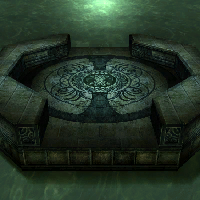 "An ancient bridge. The narrow confines of the bridge limit movement."
Summary
This stage is based on the Bridge of Sarvan. It takes place on a tiny enclosed stone platform surrounded by water during a cloudy night just after dusk. A statue of a woman is in the center of the platform.
Coliseum
Description
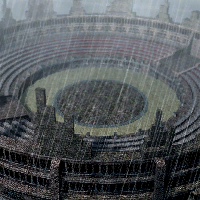 "An area designed for combat. There is nothing to hide behind here."
Summary
This stage takes place at the Coliseum during a day with stormy weather. It is a round, flat stage with no obstacles. Like the Coliseum in the single player campaign, the dirt surrounding the paved platform in the center cannot be walked on.
Rules
The Rules button will take players to the Rules menu where the rules of a battle can be customized. The options in this menu are for changing the time limit, altering the way decks work, enabling or disabling the Fair Play Rule.
Time Limit
The Time Limit option allows players to adjust how long battles will last. The time limit can be adjusted to 60 seconds, 180 seconds, or 300 seconds, or it can be disabled. The default time limit is set to 60 seconds.
Loop Decks
The Loop Decks option allows players to decide whether or not the cards in their decks will eventually be returned to their hands after being discarded instead of becoming unusable for the rest of the battle. The Loop Deck option is off by default.
Fair Play Rule
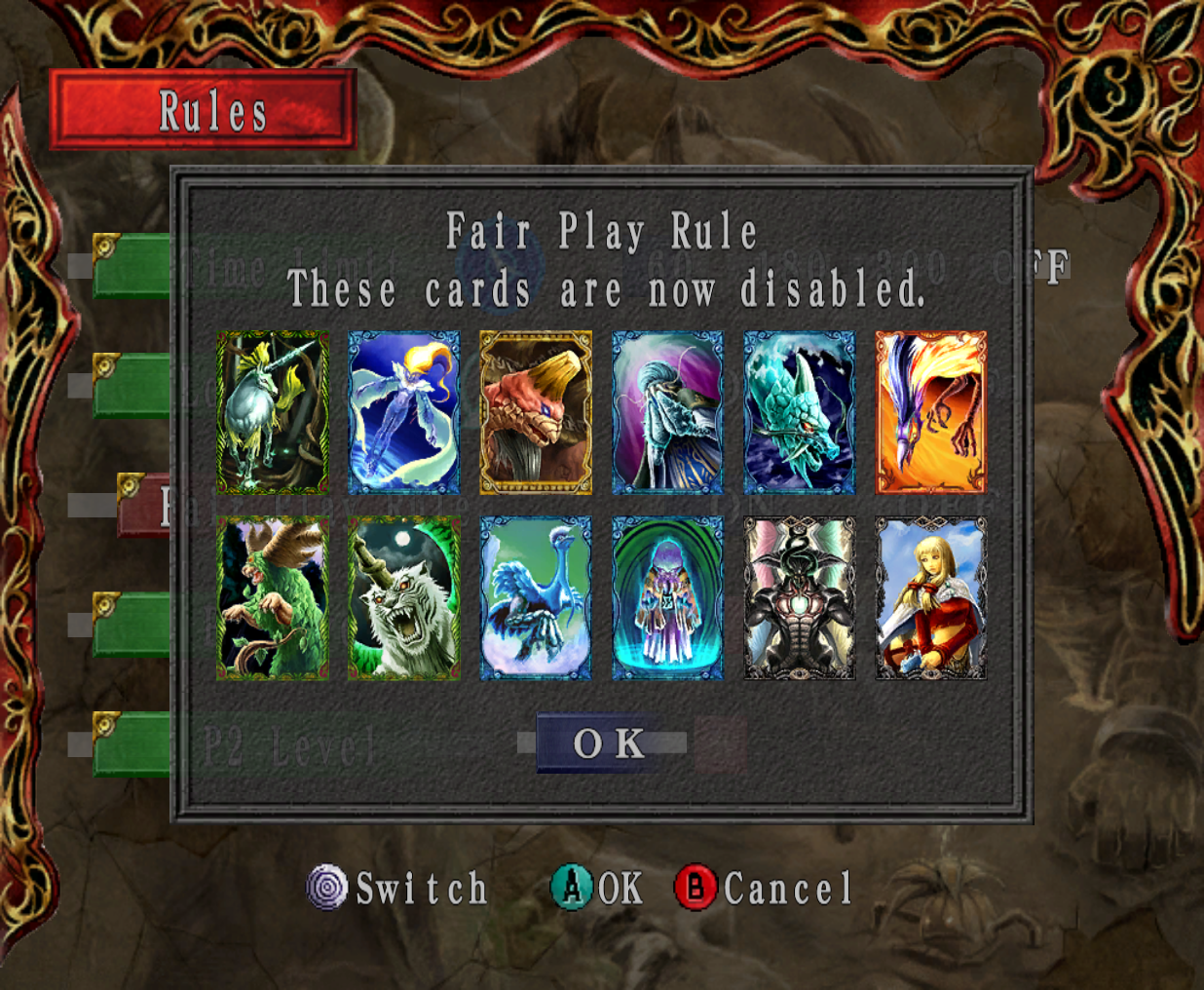
The Fair Play Rule option allows the players to choose whether or not the Fair Play Rule will be in effect. The Fair Play Rule is used to prevent players from being able to use cards that could give them unfair advantages.
If the Fair Play Rule is enabled, several cards will become unusable. The cards banned from this mode are the Unicorn, Fairy, Great Turtle, Sea Monk, Blue Dragon, Golden Phoenix, Rheebus, White Tiger, Water Bird, Mind Flayer, God of Destruction, and Doppelganger cards.
P1/P2 Level
The P1 Level and P2 Level options are for adjusting the stats of their respective players. The player can adjust their levels individually. The levels can be adjusted from one to five, with Level 1 being weakest and Level 5 being strongest.
The level set will determine the max amount of Hit Points a player has and how many Magic Stones can a player can carry. Level 1 will give a player 100 Hit Points and 10 Magic Stones, Level 2 will give 150 Hit Points and 15 Magic Stones, Level 3 will give 200 Hit Points and 20 Magic Stones, Level 4 will give 250 Hit Points and 25 Magic Stones, and Level 5 will give 300 Hit Points and 30 Magic Stones.
Options
By selecting the Options button, the players will be taken to the Options menu. This menu is where they can adjust the way sound will play, the volume of the music and sound effects, whether or not to use the rumble feature, and which button mapping set ups to use.
Sound
The Sound option allows the players to choose how the sound will play from the speakers. There are three options: Stereo, Mono, and Surround. Stereo is selected by default.
Music Volume
The Music Volume option allows players to adjust the volume of the music. The volume of the music can be adjusted from zero to fifteen. The default volume is set at ten.
Effects Volume
The Effects Volume option allows players to adjust the volume of sound effects. Like the music in the Music Volume option, the volume of the sound effects can be adjusted from zero to fifteen, and the default volume is set at ten.
P1/P2 Rumble Feature
The P1 and P2 Rumble Feature Options will allow both players to enable or disable the rumble feature of their controllers. Rumble is on by default for both Player One and Player Two.
P1/P2 Controls
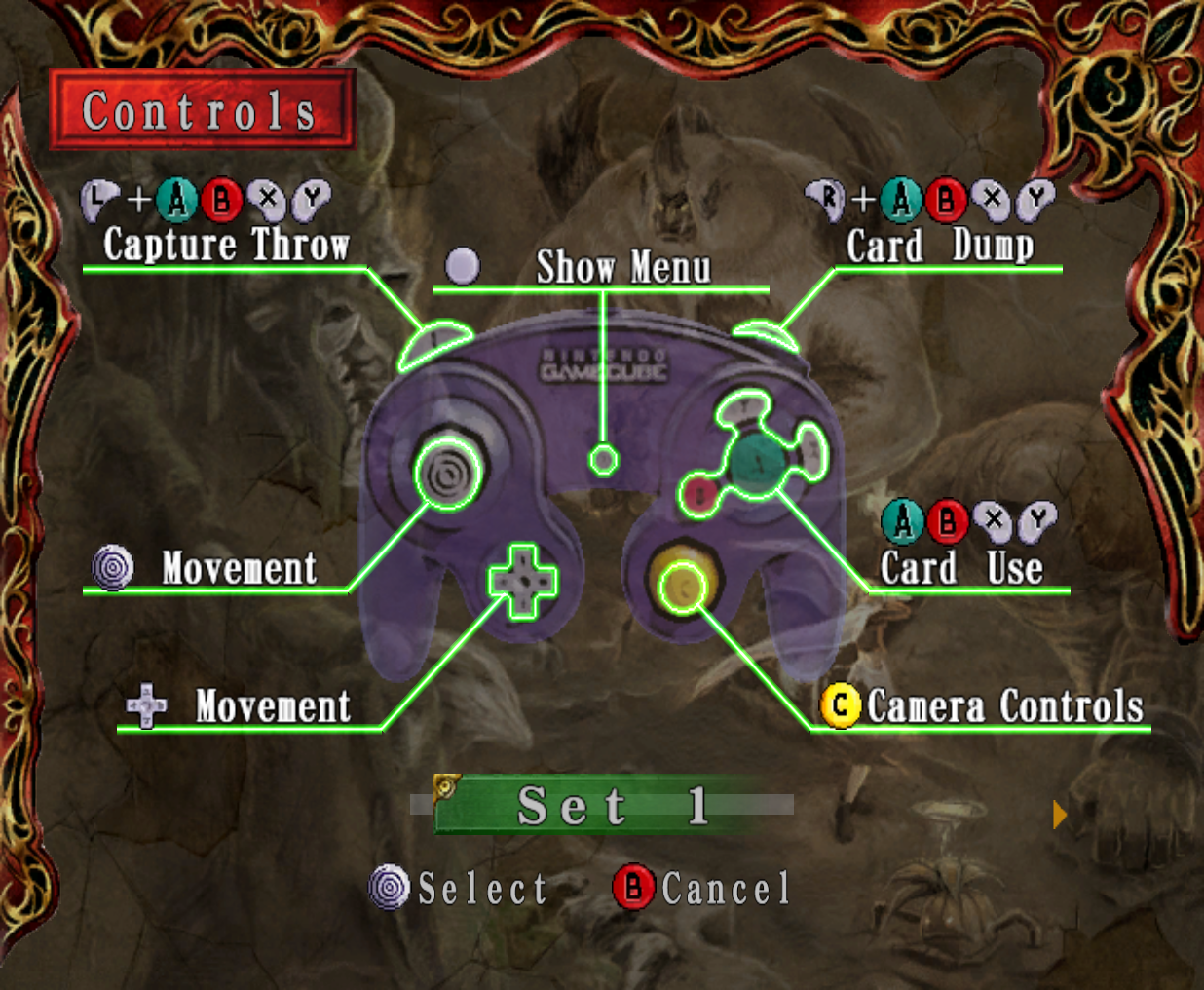
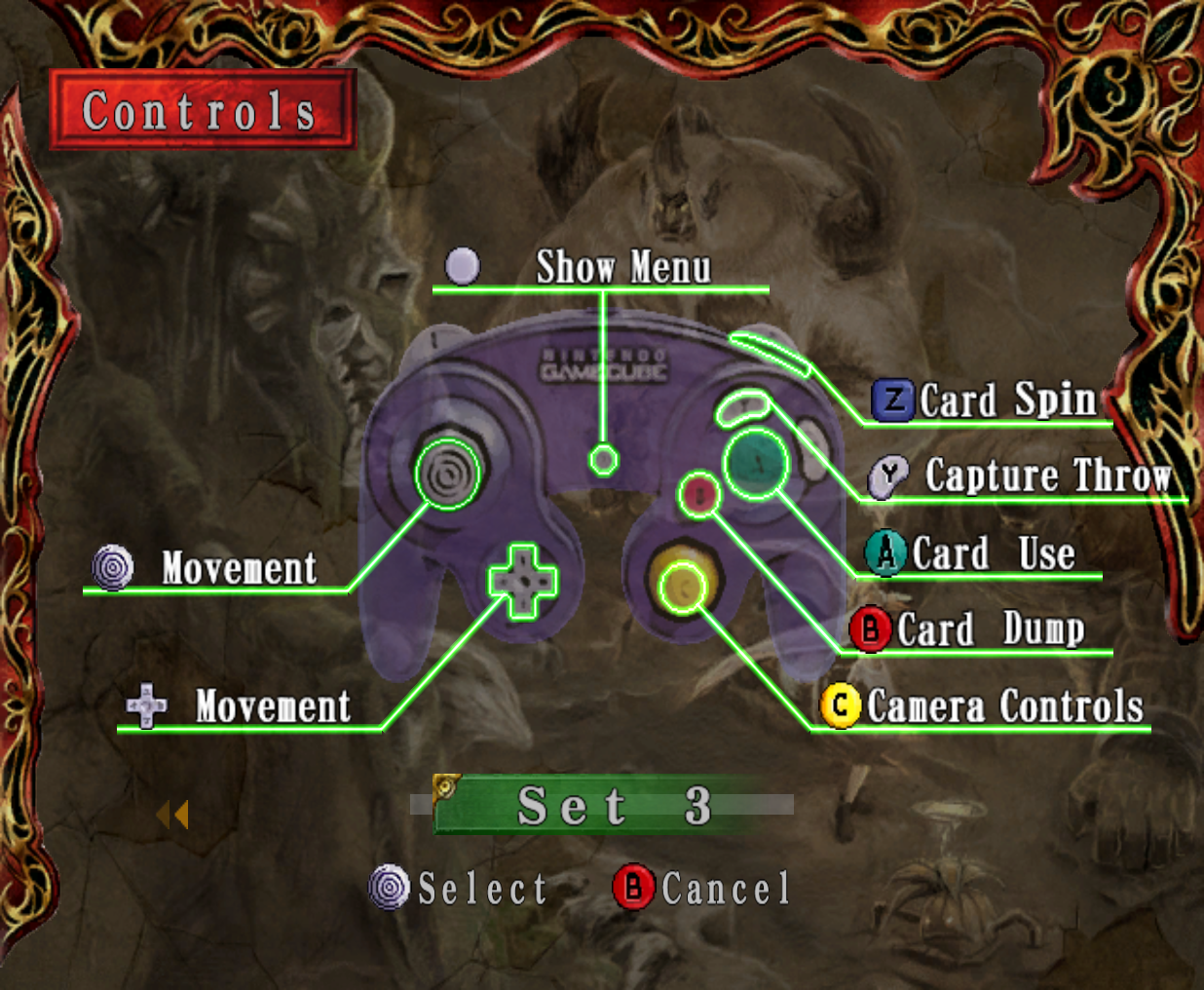
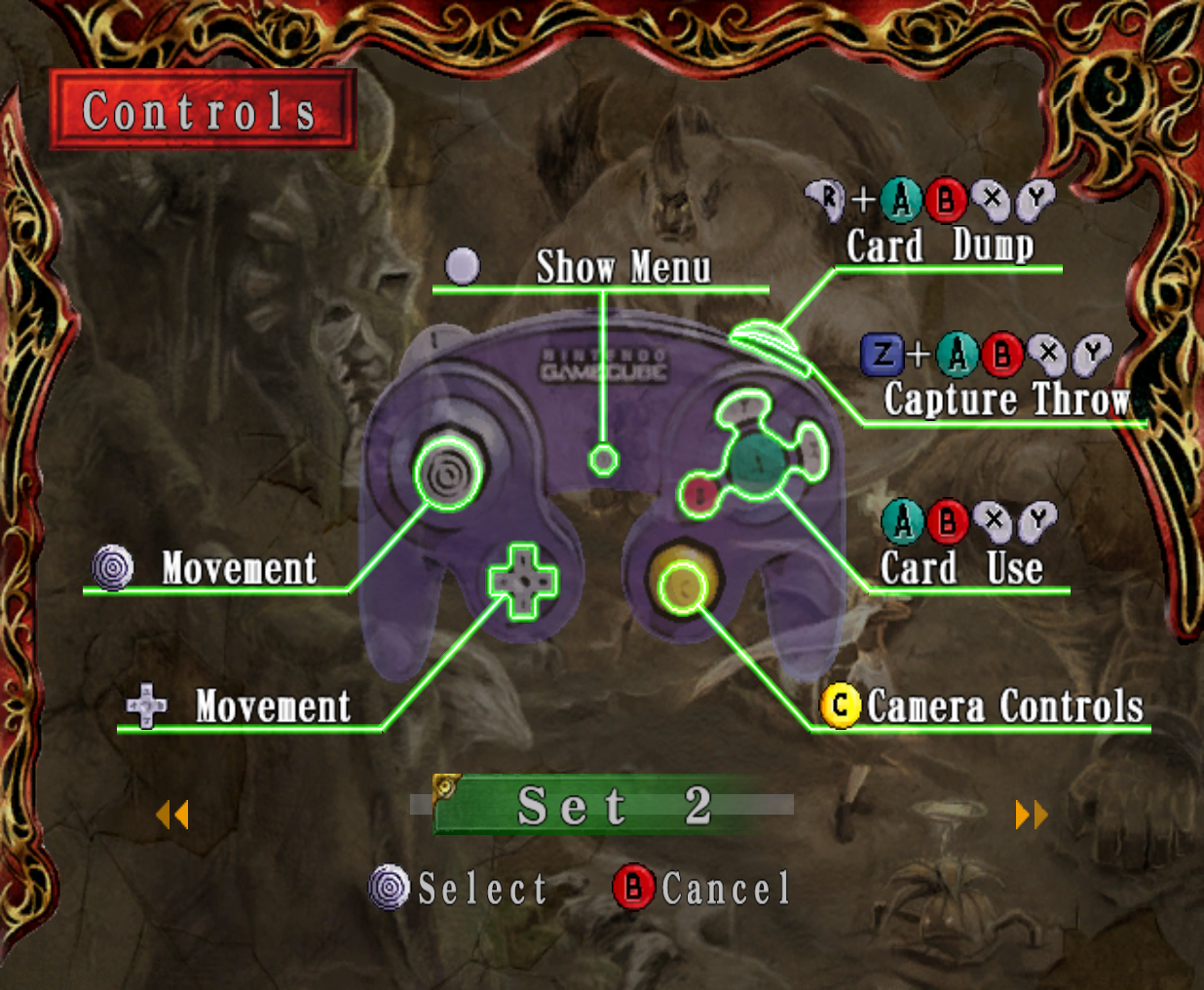
The P1 and P2 Controls options allow thier respective players to choose one of three different control setups: Set 1, Set 2, and Set 3. Set 1 ..., Set 2 ..., and Set 3 .... The default control setup for both players is Set 1.
Quit
Selecting the Quit button will exit Two Player Mode and go back to the title screen.
Glitches
- ?
Trivia
- In RUNE, the Japanese version of Lost Kingdoms, Two Player Mode can be accessed without a second controller. It is also possible to start a battle without a Player Two in this version, but the Katia who is supposed to be controlled by Player Two will not do anything.
- While each of the Katias available to play as in Two Player Mode wear different colors, they all have the same red hair ties.
- The "Loop Deck" option that allows the cards removed from a player's hand to eventually return to the deck instead of being used up for a battle in the Two Player Mode of Lost Kingdoms later became the way decks function in Lost Kingdoms II.
- The full size of Bridge of Sarvan stage is actually very large, but since most of it is water, the only part that can be battled on is just the tiny amount of solid ground found in the very center.
- The icon for the Bridge of Sarvan stage shows it taking place on a clear night with the light of the moon visible as a reflection on the water. However, the moon is not visible at all when the stage is selected, as once visited, the time this stage takes place in is during a night with cloudy weather.
- Despite the lighting and the location of the Mt. Jarndunn stage, a blue sky with white clouds is visible before a battle starts there.
- Both the P1 and P2 Level options in the Rules menu and both the P1 and P2 Rumble Feature in the Options menu can be customized by either player despite being only for their respective players.
- It is possible to Capture Throw in Two Player Mode. In this gameplay mode, Capture Throws will cause damage to enemy monsters hit by them, but nothing can be captured with them.
Gallery